Did You Know
Did You Know: The Pixel 11 Pro's HiLight Hides Eight Full-Color LEDs but Offers Only Five Colors
A teardown found red, green and blue elements inside each of the eight tiny lights around the Pixel 11 Pro's camera flash. Google's software still limits owners to five colors, though four more have surfaced in a test build.
OTTAWA · Maya Chen, Did You Know · Oct 8 2026
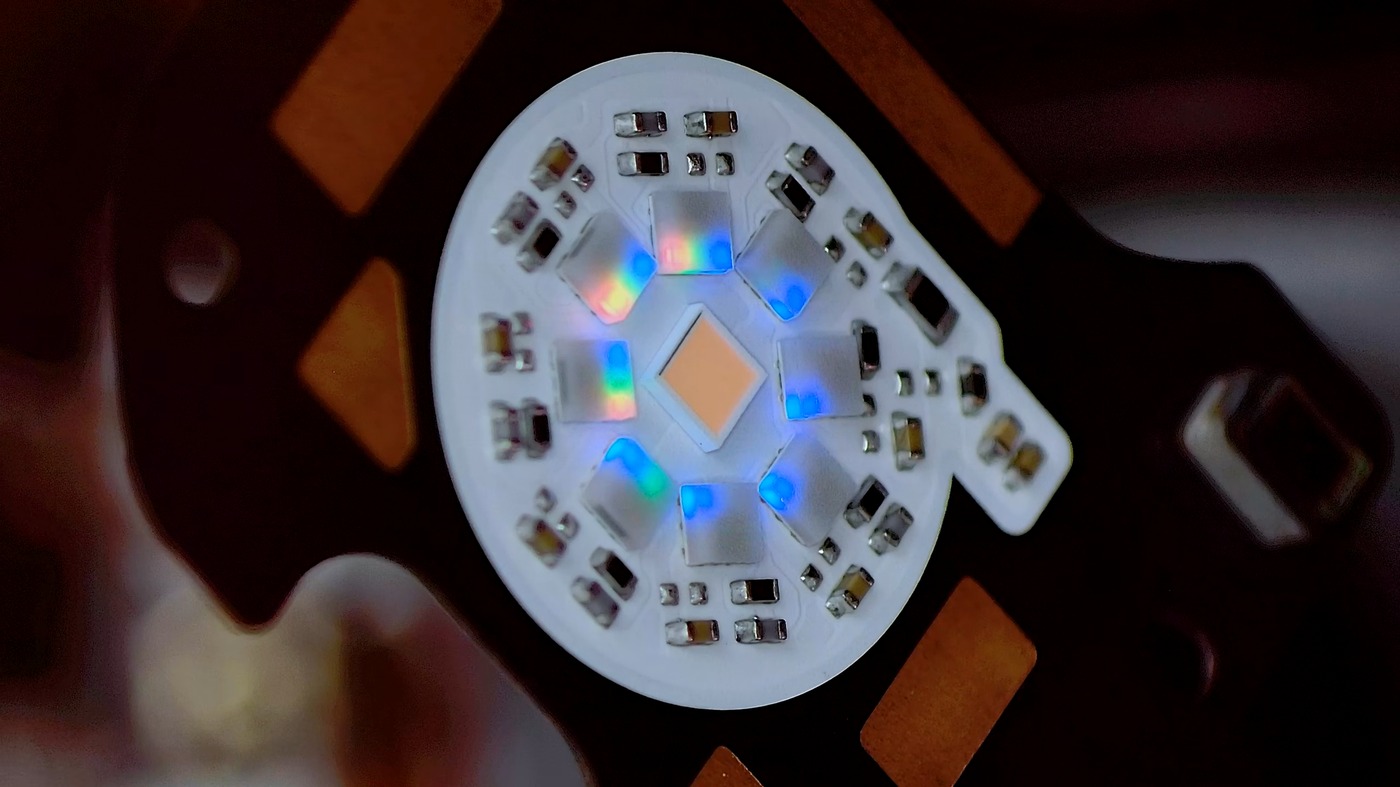
OTTAWA - Did you know that the glowing ring on the back of Google’s Pixel 11 Pro can show far more colors than Google lets you choose? HiLight, the light that shares a circle with the camera flash, gives owners five colors to assign to favorite contacts. When John Reuben of the Ottawa repair shop Phone Repair Guru took a Pixel 11 Pro apart in August, he found a ring of eight tiny LEDs around the regular flash. Under a microscope, each one showed separate red, green and blue elements. “Hilight is fully RGB,” he wrote.
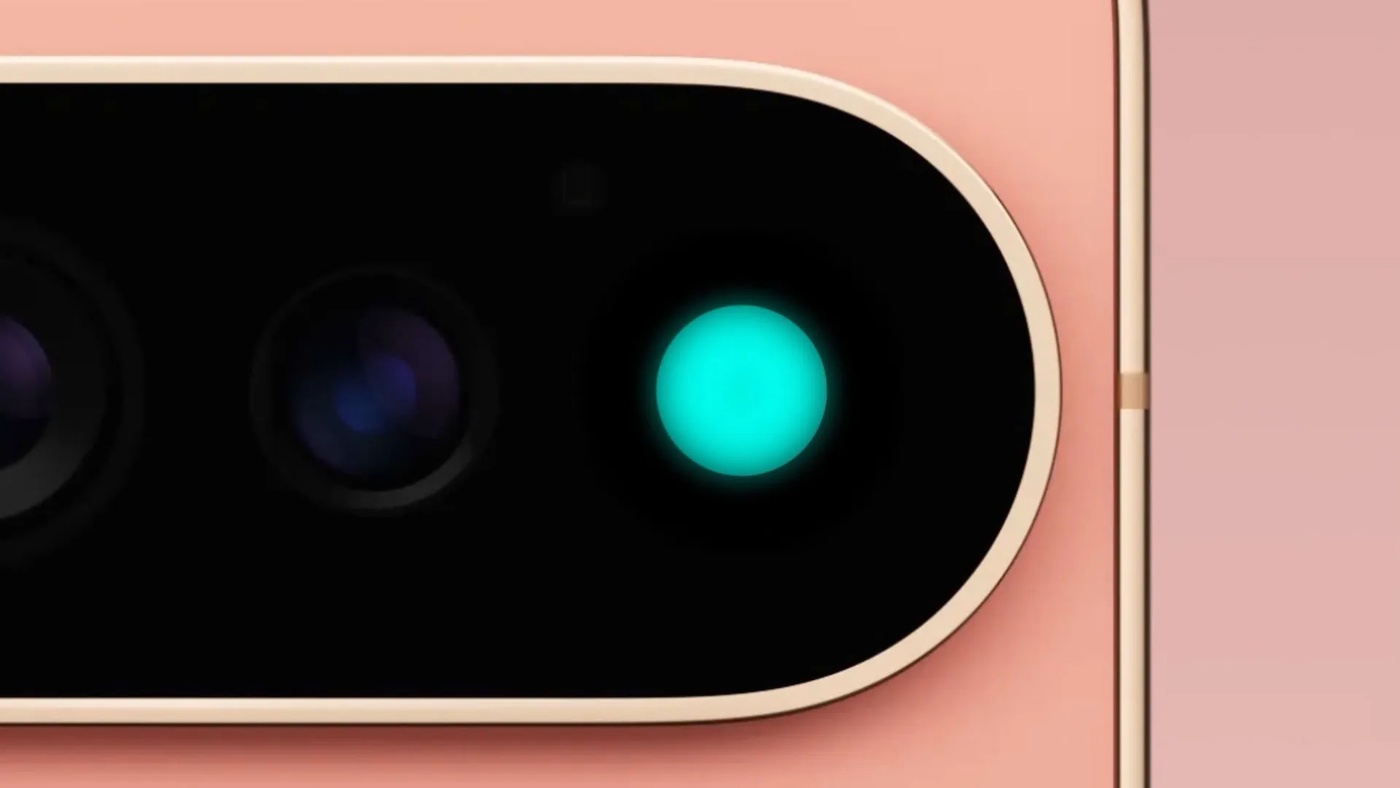 Photo: Google
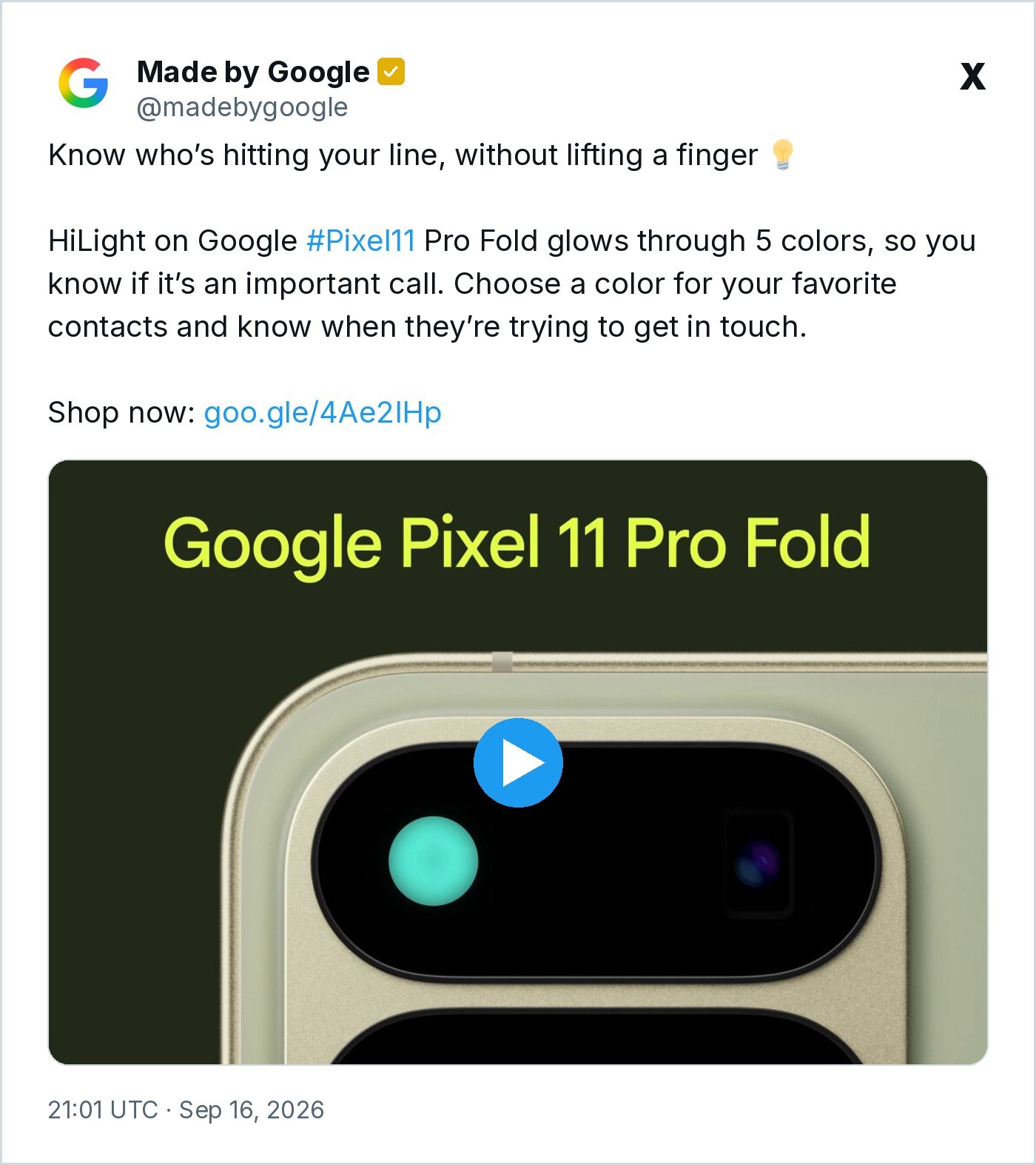
Google introduced HiLight in August on the Pixel 11 Pro, Pixel 11 Pro XL and Pixel 11 Pro Fold, which reached store shelves Aug. 20 at $1,099, $1,299 and $1,899. The company describes it as color-coded lights that keep people informed while the phone lies face down, so they do not have to look at the screen. At launch it did two things. It glows in different patterns when Gemini is listening, thinking or responding, and it lights up in a chosen color when a favorite contact calls through the Phone by Google app or WhatsApp, according to 9to5Google. The five colors are teal, yellow, white, pink and purple. There is no red.
 Screenshot: @madebygoogle on X
Getting to the lights takes some work. Reuben removed the back glass, which connects to the phone through a flex cable and two extra contact pads. Those pads looked as if they might feed HiLight, so he tested them. With the pads disconnected, the phone powered on but would not charge wirelessly, which showed they serve the Pixelsnap charging hardware in the glass instead. The HiLight module itself is held in by two screws and adhesive. After heating it and lifting it away, he removed a frosted diffuser that blends the eight LEDs into one smooth glow. Notebookcheck, which reviewed the footage, said the microscope view showed distinct red, green and blue diodes inside every one of the eight lights.
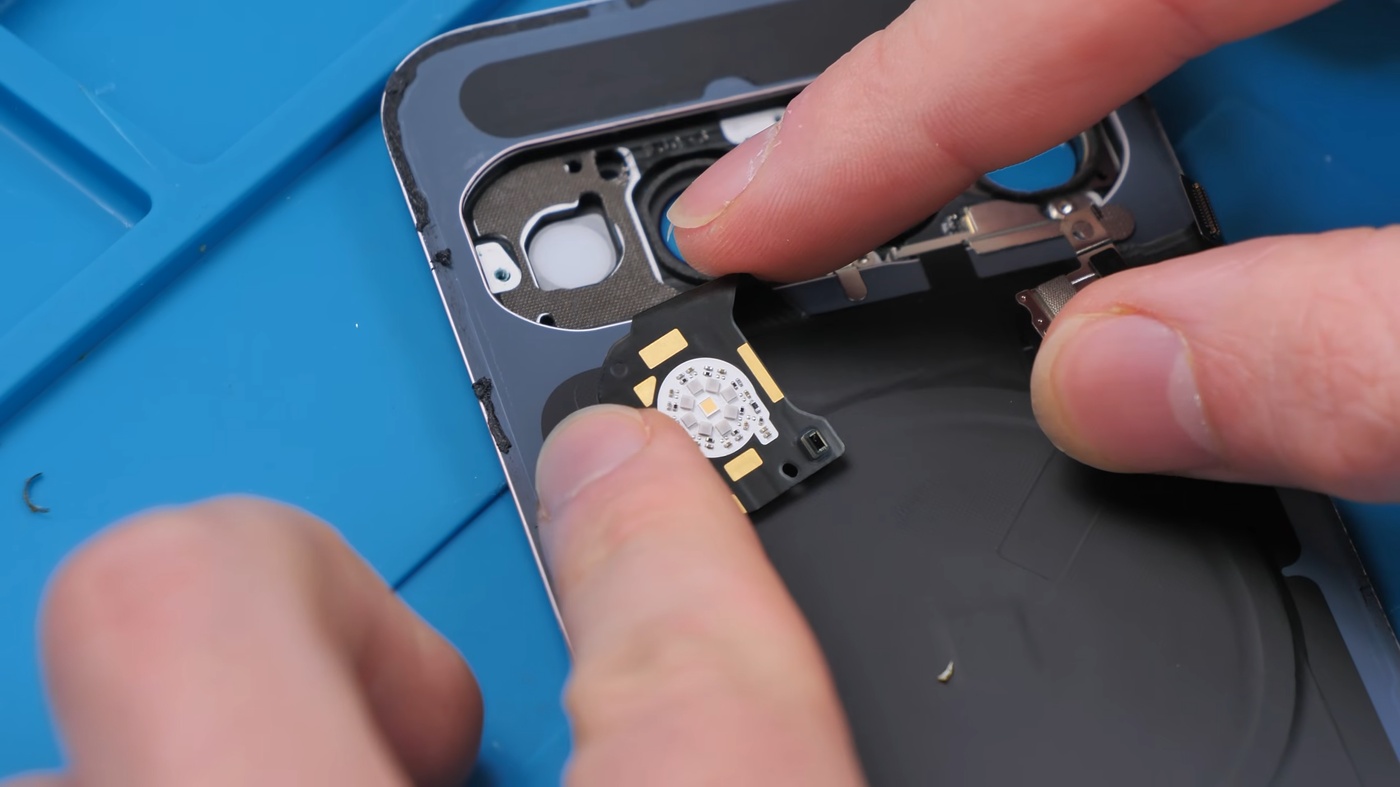 Photo: Phone Repair Guru
That makes the five-color limit a software decision, not a hardware one. “The hardware is already there. Google just needs to let us use it,” Reuben wrote. There are signs Google is loosening its grip. Android Authority reported on Sept. 28 that it had found four more colors (blue, cyan, green and orange) in the HiLight menu of Android 17 QPR2 Beta 5, bringing the total to nine. A day later, Beta 6.1 added a long-promised option that makes HiLight blink twice when a favorite contact sends a message in Google Messages, 9to5Google reported. The new colors were not part of that update, and a stable release of QPR2 is expected in December.
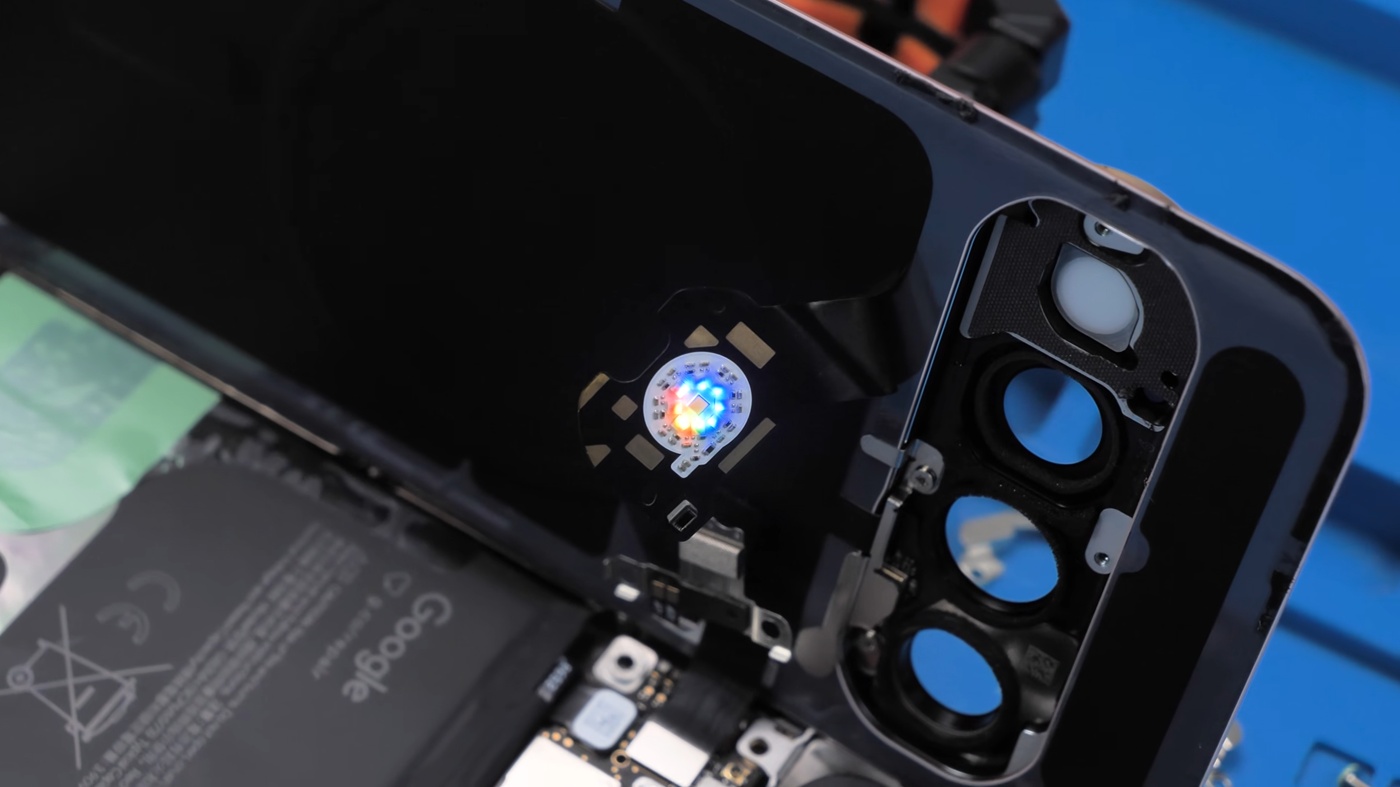 Photo: Phone Repair Guru
The diffuser that gives HiLight its soft look may carry a cost. 9to5Google wrote in August that the Pixel 11 Pro’s flashlight was noticeably weaker than the Pixel 10 Pro XL’s and even a three-year-old iPhone 15 Pro’s, and its editors pointed to the HiLight diffuser as at least part of the cause. HiLight also took the place of the infrared temperature sensor found on recent Pixel Pro models. For now, owners carry a full-color light that Google has dialed down to a handful of shades, with more waiting in test builds.
Watch: Phone Repair Guru’s Pixel 11 Pro teardown, including the microscope look at the HiLight LEDs Video: Phone Repair Guru on YouTube