Did You Know
Did You Know: The iPhone 18 Pro Hides a Face ID Camera Under the Screen, Behind Half the Usual Pixels
On the iPhone 18 Pro and Pro Max, Face ID's infrared camera sits beneath the display near the top-left corner. Apple halves the pixel density above it and drives the remaining pixels brighter so the spot stays out of sight.
CUPERTINO, Calif. · Maya Chen, Did You Know · Oct 6 2026
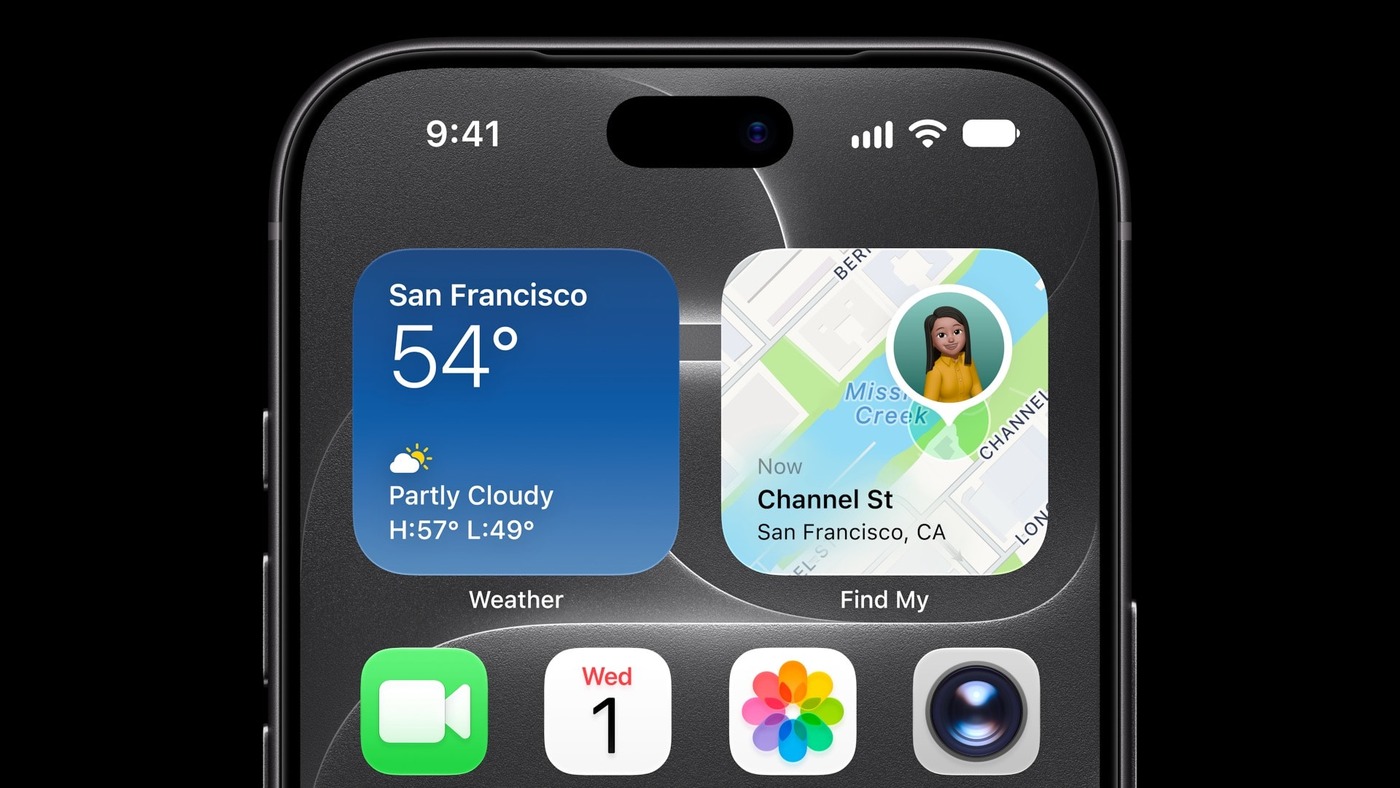
CUPERTINO, Calif. - Did you know that part of Face ID on the iPhone 18 Pro now sits underneath the screen? On the iPhone 18 Pro and iPhone 18 Pro Max, the infrared camera that reads your face during unlock has moved out of the Dynamic Island and beneath the display, toward the upper-left corner, according to a Sept. 20 teardown by the repair firm iFixit. Apple’s own support page now says that on iPhone 18 Pro models the TrueDepth camera is “at the top of the device towards the left corner.” The selfie camera and the infrared dot projector stay in the central cutout.
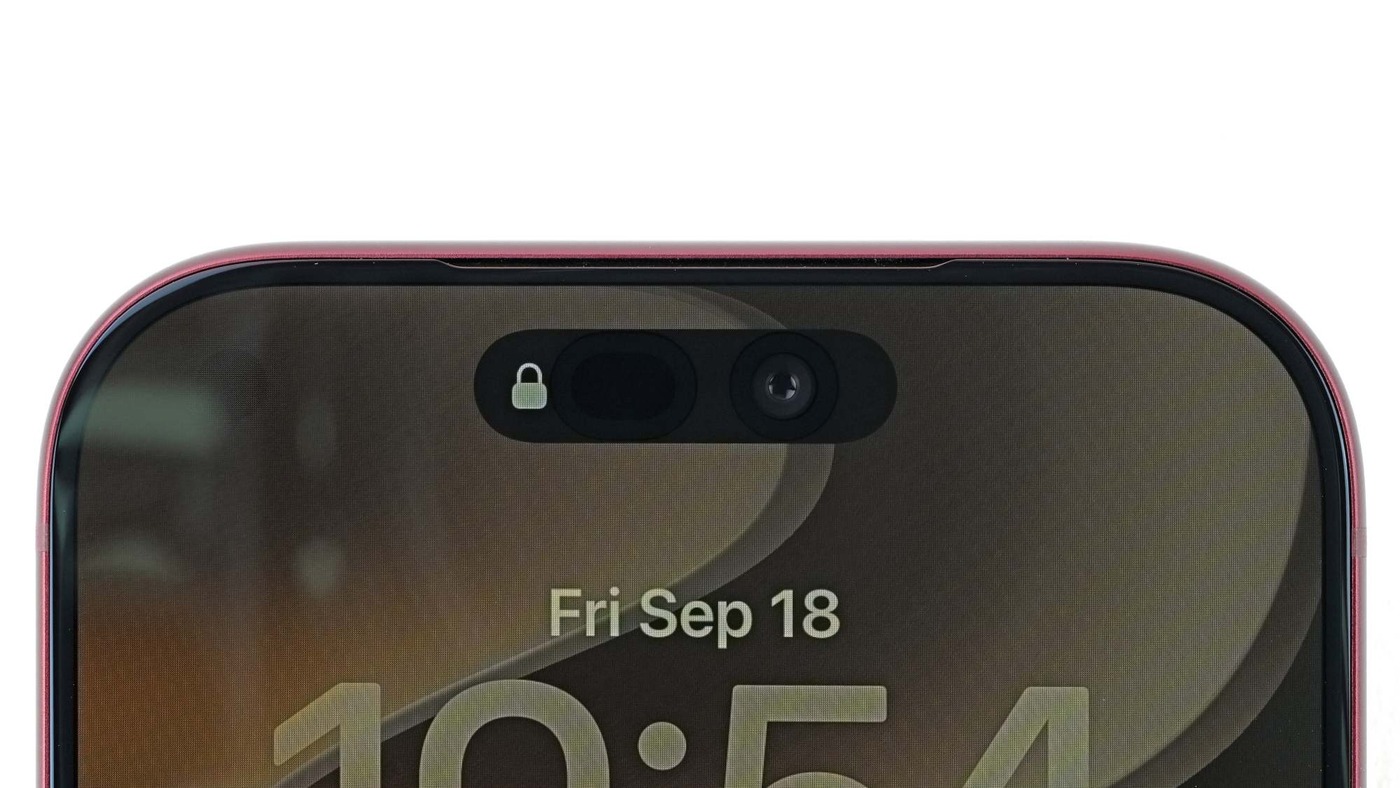 Photo: iFixit
Infrared light still has to reach that camera through the OLED panel, so Apple changed the pixel layout over the spot. Under iFixit’s microscope, every other row of display pixels is missing above the infrared camera, and the pattern blends back into the full grid around the edges. Apple confirmed to 9to5Mac that pixel density over the module is reduced by half, and that it raises the brightness of the remaining pixels so the area does not look dimmer than the rest of the screen. iFixit also found what appears to be an infrared-pass filter below the OLED. To the naked eye, iFixit said, the area is barely visible as a dimmer circle of pixels just to the left of the clock.
 Photo: iFixit
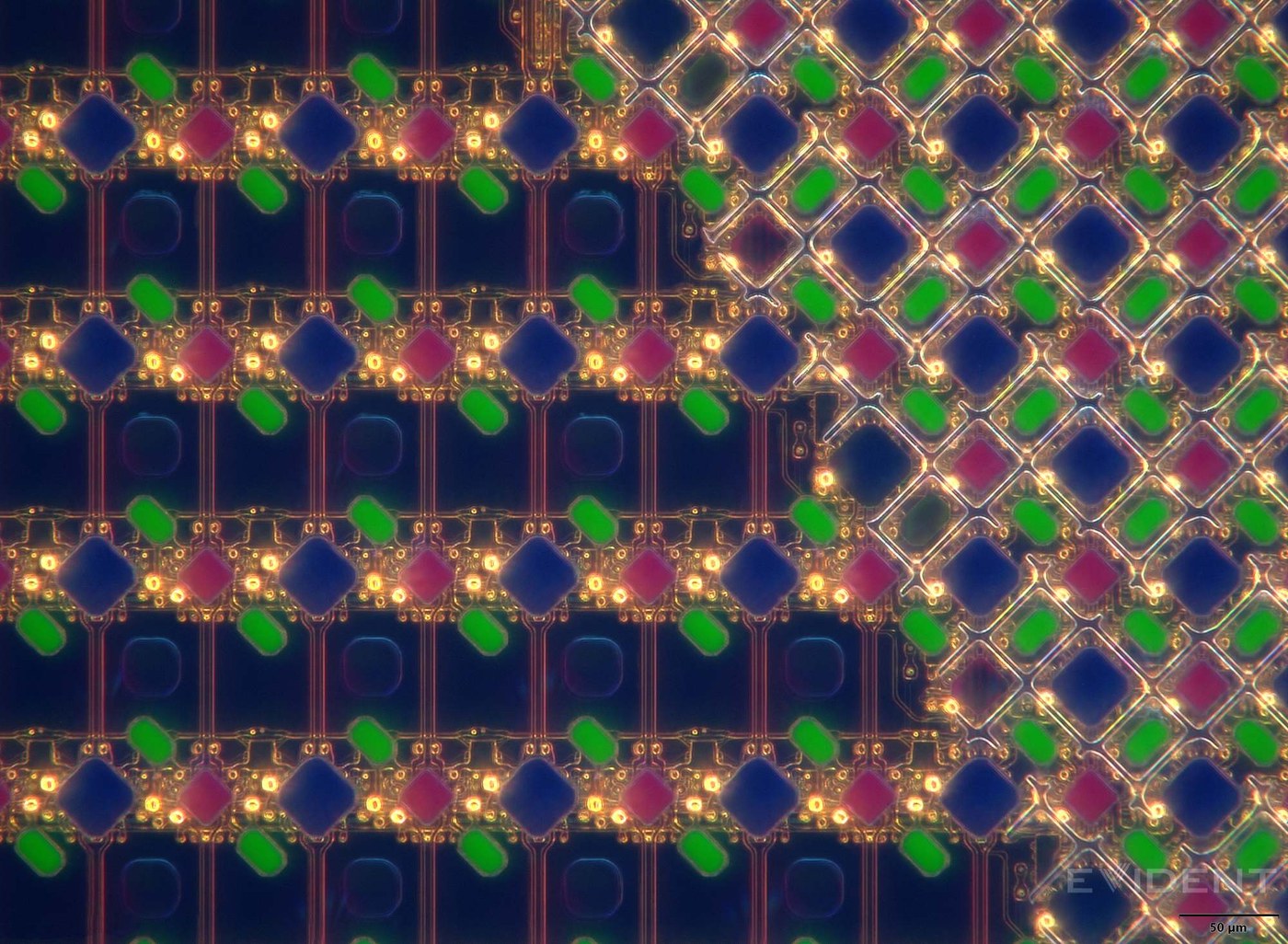 Photo: iFixit
The space it frees goes to the Dynamic Island. Apple said at its Sept. 9 launch that “advanced display technology” let it redesign the Dynamic Island, which can now show three Live Activities at once while still handling Face ID for unlocking the phone, authenticating purchases and signing in to apps. 9to5Mac reported that the earlier limit was two. iFixit noted that Samsung used a similar approach to hide a selfie camera under the screen of the Galaxy Z Fold4, Fold5 and Fold6, where the pixel grid distorted images and Samsung turned to AI image reconstruction to compensate. Apple put only the infrared camera behind the display. That camera needs a usable signal for Face ID, iFixit said, not a full-color photograph anyone would want to keep.
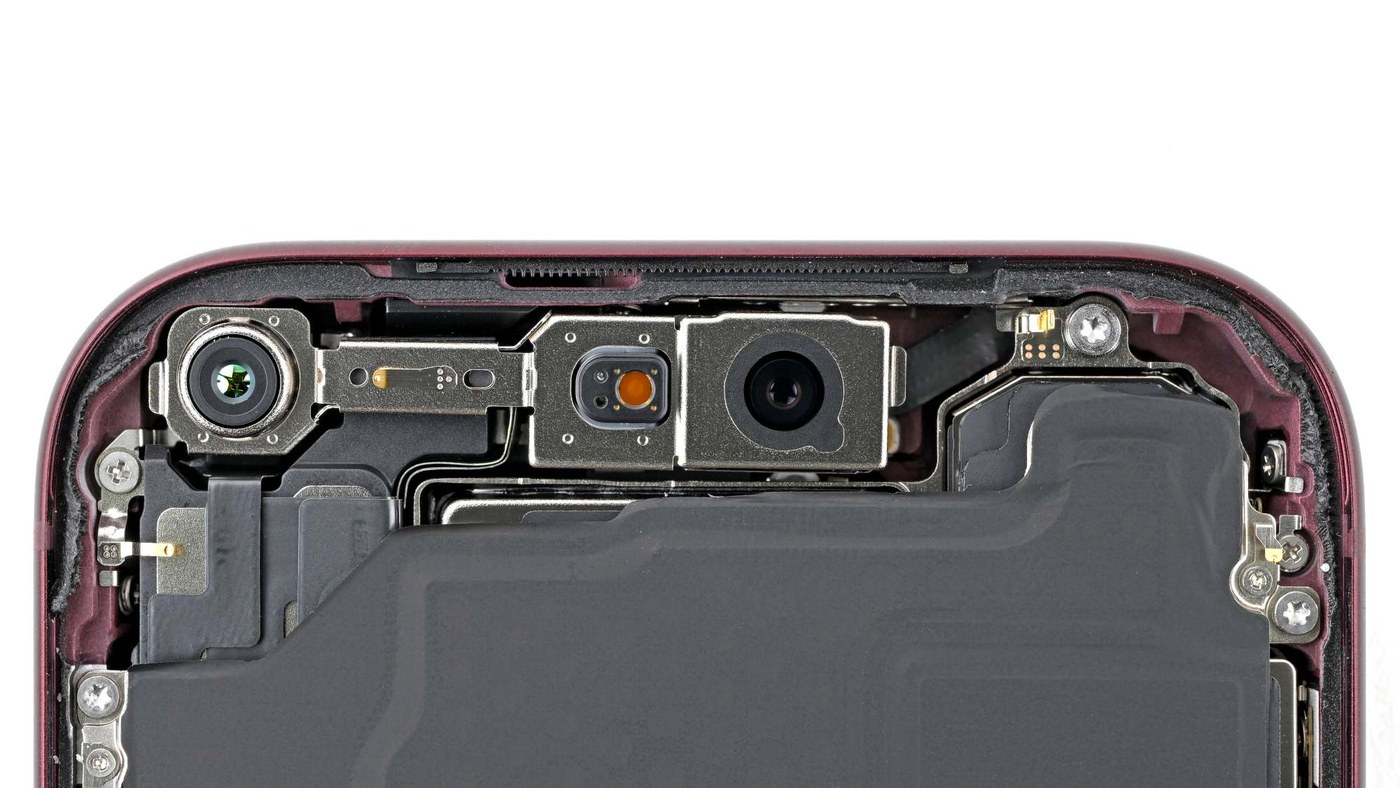 Photo: iFixit
The new position also changes how owners should handle the phone. Apple’s support page, published Sept. 17, tells iPhone 18 Pro owners to remove anything covering the TrueDepth camera, such as a smudge, a case or a screen protector, and to keep a finger or palm off it when holding the phone in landscape orientation. If Face ID still fails, Apple suggests removing privacy screen protectors. In early testing reported by MobiDevices, the YouTuber Dave2D found that Face ID stopped working properly on an iPhone 18 Pro Max after he applied a matte screen protector, while a clear protector caused no problem.
Watch: iFixit’s iPhone 18 Pro teardown on YouTube Video: iFixit on YouTube