Did You Know
Did You Know: Lenovo's Fingerprint USB Drive Sold as AES-256 Encrypted Was Just an Ordinary SD Card Inside
The ThinkPlus FU100 promised hardware encryption behind a fingerprint reader. A researcher pried one open and found a plain microSD card that any card reader could open. Lenovo's first fix was a blob of epoxy.
BEIJING · Noah Park, Did You Know · Nov 5 2026
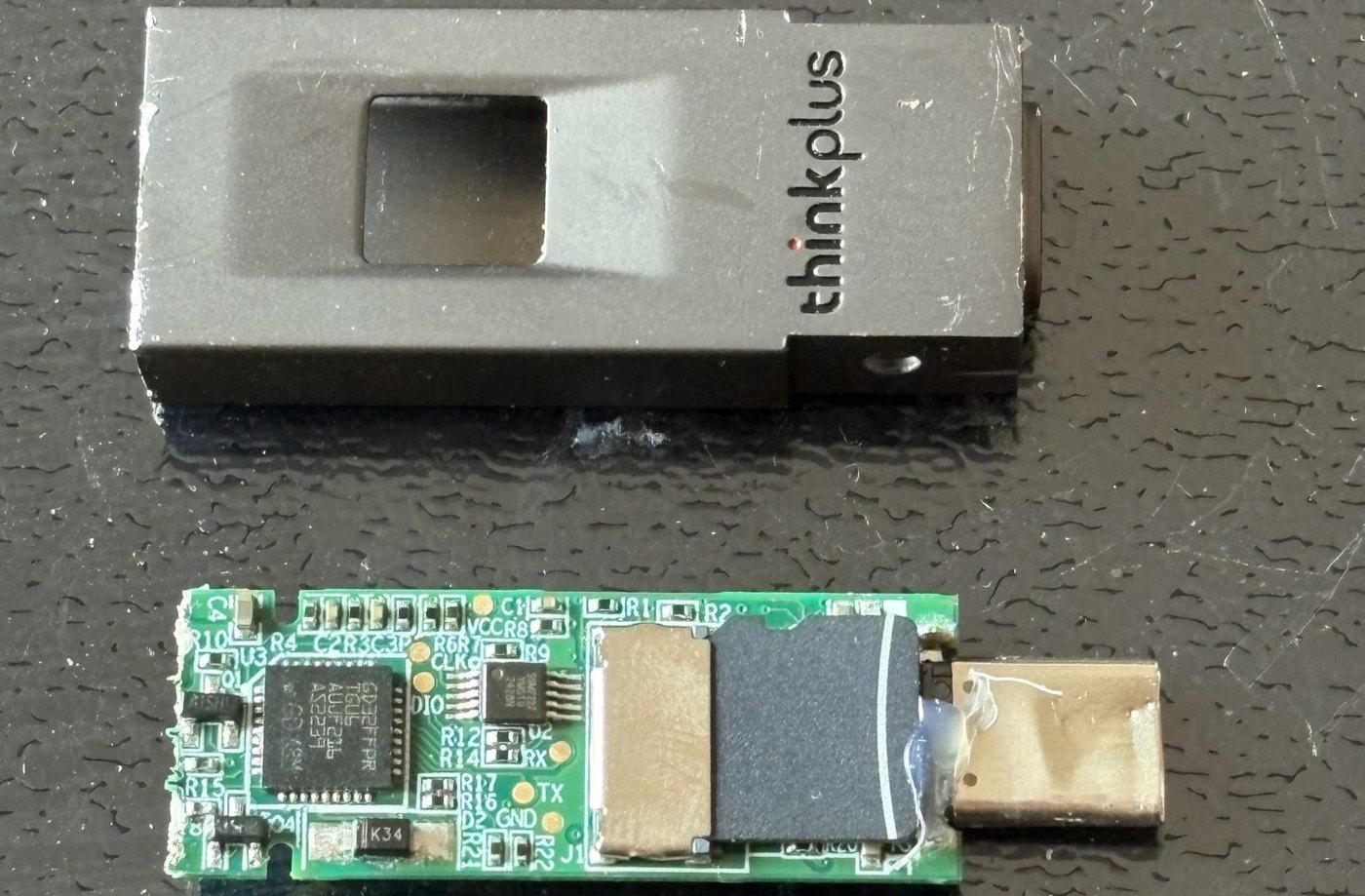
BEIJING - Did you know that a Lenovo USB stick sold as “hardware encrypted,” with a fingerprint reader on top and AES-256 encryption on the box, kept your files on a plain microSD card that any card reader could open? The drive is the ThinkPlus FU100, and the listing that caught the eye of Xusheng Li, a developer at the reverse engineering firm Vector 35, showed more than 100,000 sold. “The moment I used the plier to open it, I see a SD card in it,” Li told the RE//verse conference in March. He put the card in an ordinary adapter, plugged it into a computer, and the files simply loaded.
What made him suspicious was the fingerprint itself. The FU100 unlocks with a fingerprint or a password. With full disk encryption, Li explained, the first unlock normally needs a password, which is why an iPhone asks for its passcode after a restart before it will accept a face or a finger. A drive that a fingertip alone can open had to be doing something else, Li reasoned. It was. The fingerprint reader only decided whether the stick connected to the computer at all. Nothing on the card was encrypted.
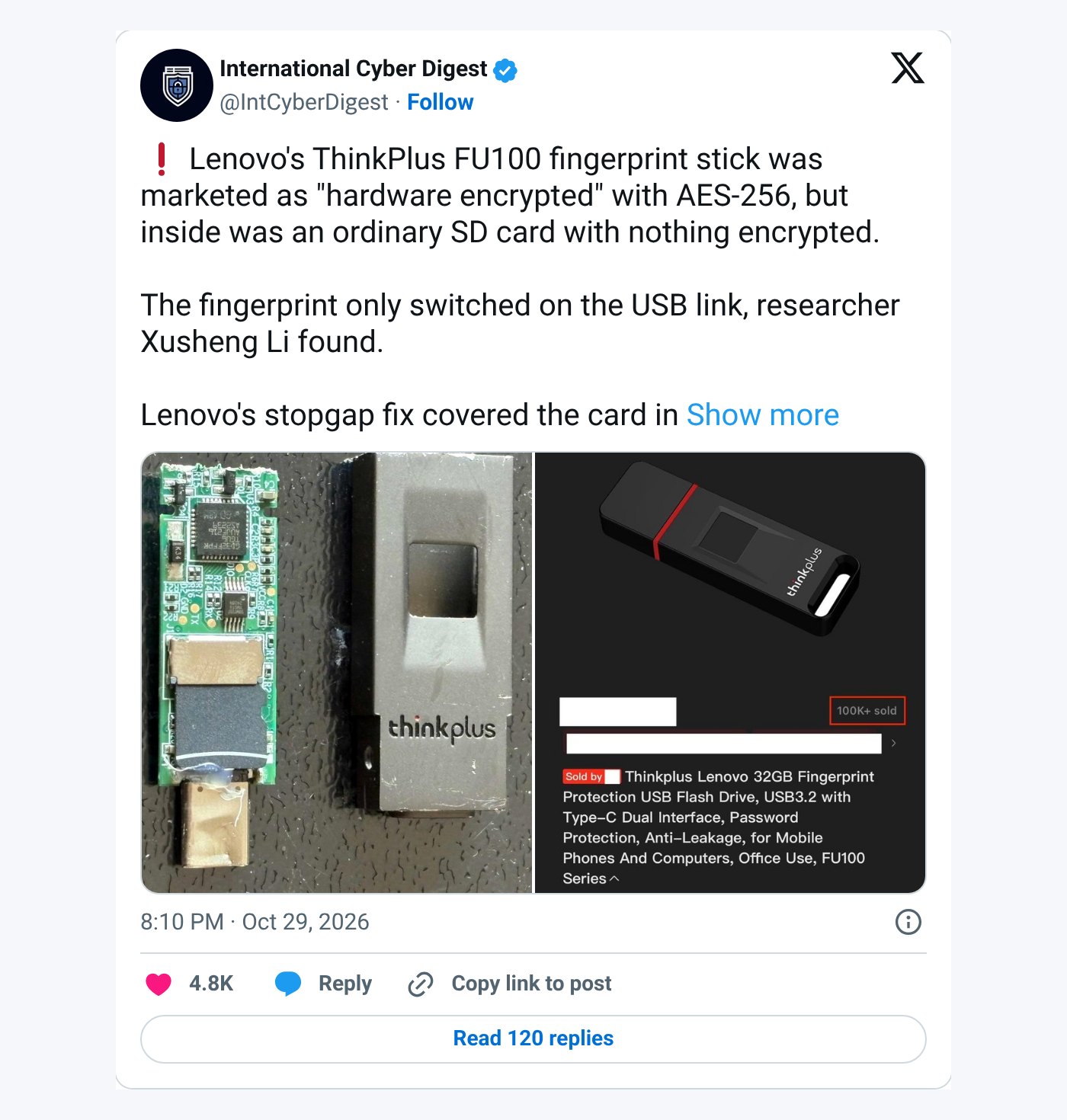 Screenshot: @IntCyberDigest on X
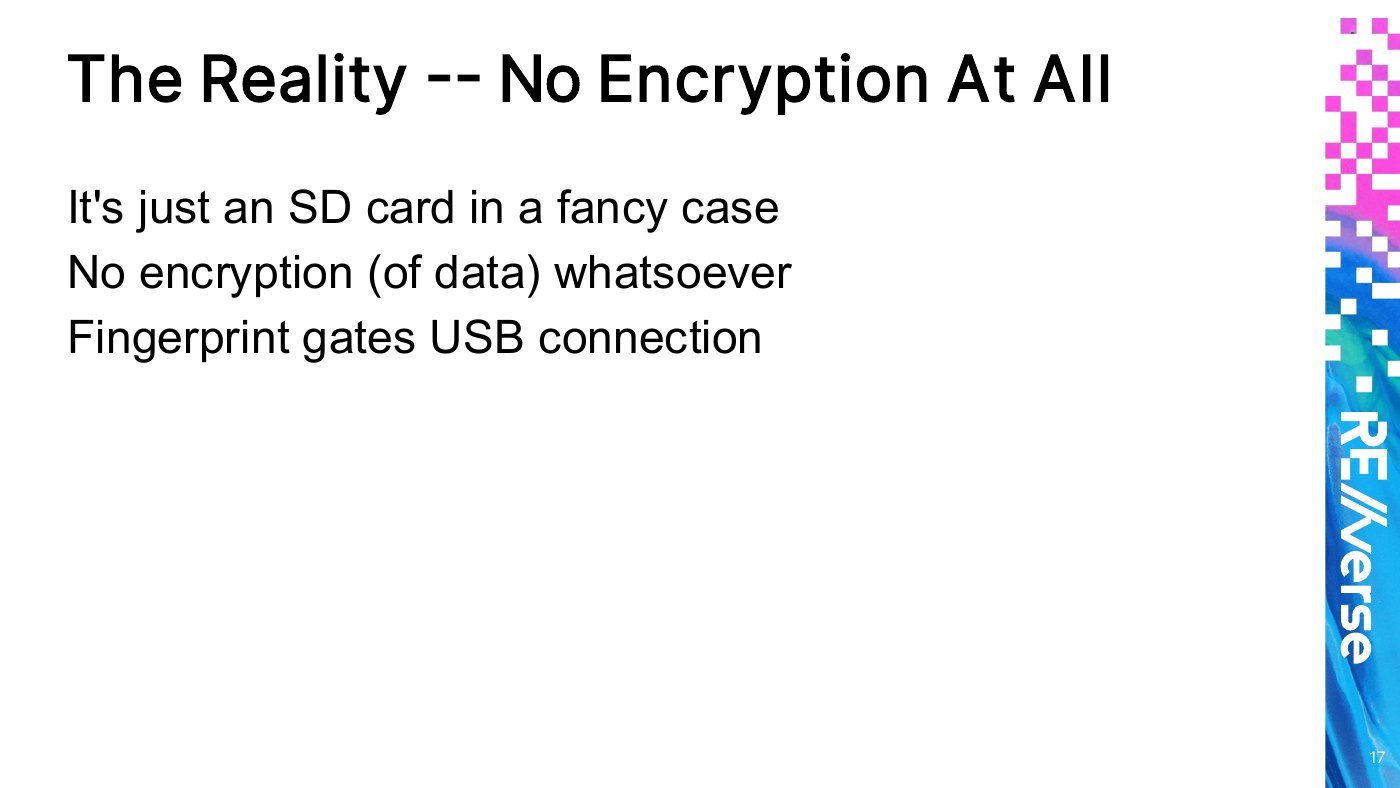
“It’s just an SD card in a fancy case,” reads Li’s slide. The only tool needed to get past it, he joked in his talk, was “some pliers that can be used to open this case.”
He reported the problem to Lenovo on Aug. 2, 2025. The company came back with an interim fix on Aug. 27, which he called “pretty fast.” The fix was a layer of epoxy poured over the SD card to make it harder to pull out. In his view it “doesn’t actually add any security and it can be removed if you know the right way to do that.” He admitted that the fact Lenovo tried it “at least made me laugh.”
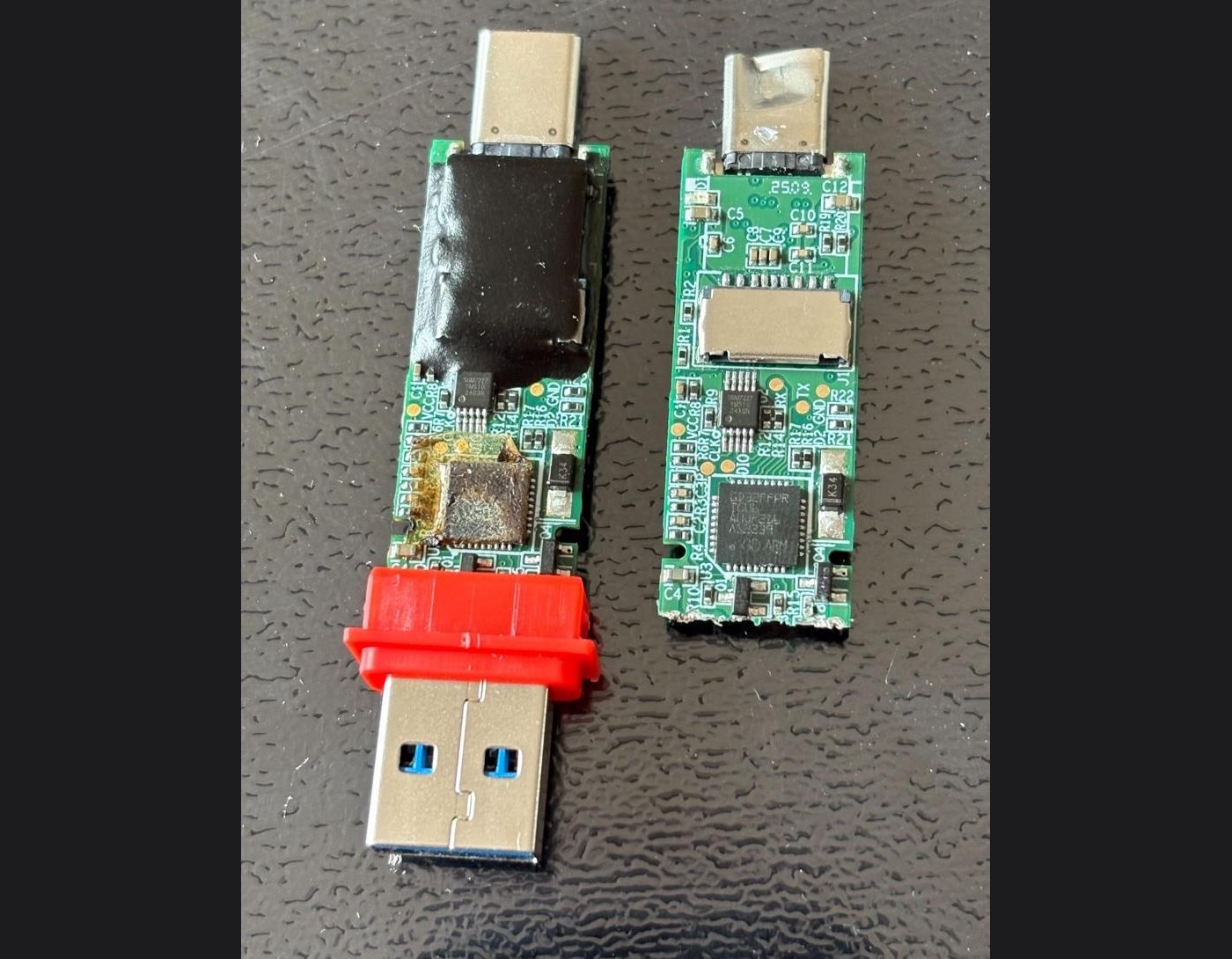 Image: Xusheng Li/Vector 35
A proper fix followed in December, and in January Lenovo published a security advisory with three CVEs covering the FU100, FU200 and TU800 sticks and the TSD303 portable SSD. The first, CVE-2025-13453, says the flaw “could allow a user with physical access to read data stored on the drive.” The TSD303 did encrypt its data, Li found, but during unlocking it sent the correct password from the drive to the computer in clear text, where software could read it. Lenovo’s final fix has the drive check the password itself.
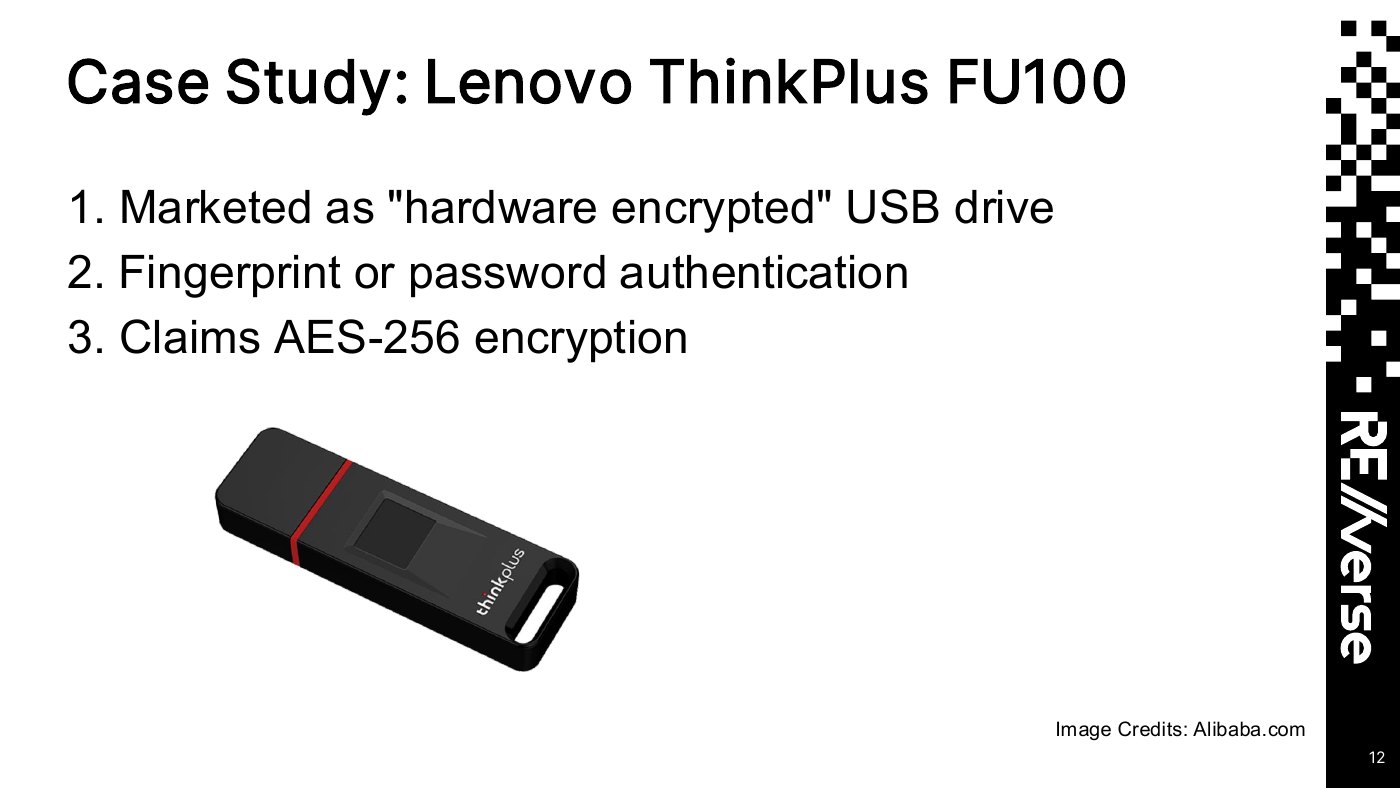 Slide: Xusheng Li/Vector 35, RE//verse 2026. Product image on the slide credited to Alibaba.com
The story went viral last week. A post by International Cyber Digest on Oct. 29 passed 240,000 views, and Tom’s Hardware and GIGAZINE followed. In a statement to Tom’s Hardware, a Lenovo spokesperson said the ThinkPlus storage products “were designed for the China market and are only available from Lenovo in mainland China,” and that “customers with affected devices can contact Lenovo Support to arrange a replacement.” Tom’s Hardware reported that owners have to call a China service line for a replacement or an on-site firmware upgrade, and that Lenovo advises backing up the drive and wiping it before sending it in.
 Slide: Xusheng Li/Vector 35, RE//verse 2026
The FU100 was not the only product in his talk that promised more than it delivered. A file locking tool from the storage maker Netac, he showed, encrypted only one third of each file and used a fixed AES key stored inside the program. In an October follow-up that paired OpenAI’s Codex with his analysis tools, GIGAZINE reported, Li found that hardcoded key in about seven minutes.
*Video: REverse Conference on YouTube, "RE//verse 2026: Breaking Encrypted USB Drives with Time-Travel Debugging by Xusheng Li"*Li’s first takeaway fits on one line of his closing slide: “‘Hardware security’ can be pure marketing.” His advice for anyone who buys a lock for their files is just as short. “Don’t trust vendor security claims,” the slide reads. “Verify!”