Did You Know
Did You Know: Swapping the Surface Laptop Ultra's Battery Starts With a Bucket of Sand
Microsoft's own repair guide for its $2,599 laptop lists a 4-gallon bucket and 2 gallons of clean sand among the tools, right next to the Torx drivers. The battery even carries a QR code that leads to the instructions.
REDMOND, Wash. · Noah Park, Did You Know · Nov 8 2026
REDMOND, Wash. - Did you know that Microsoft’s official instructions for replacing the battery in the Surface Laptop Ultra list a 4-gallon bucket and 2 gallons of clean sand as required tools? The service guide for the company’s most expensive laptop, which starts at $2,599, puts them on the same list as a plastic opening pick, a nylon spudger, ESD-safe tweezers and two sizes of Torx Plus driver.
The warning above that list is blunt. Before handling the battery, Microsoft says, the person doing the work must remove all jewelry, wear gloves and safety glasses, and have a bucket of sand ready in case of any battery event. If one happens, the guide says to submerge the entire device in the sand, and it adds in capital letters: do not attempt to pick up the device.
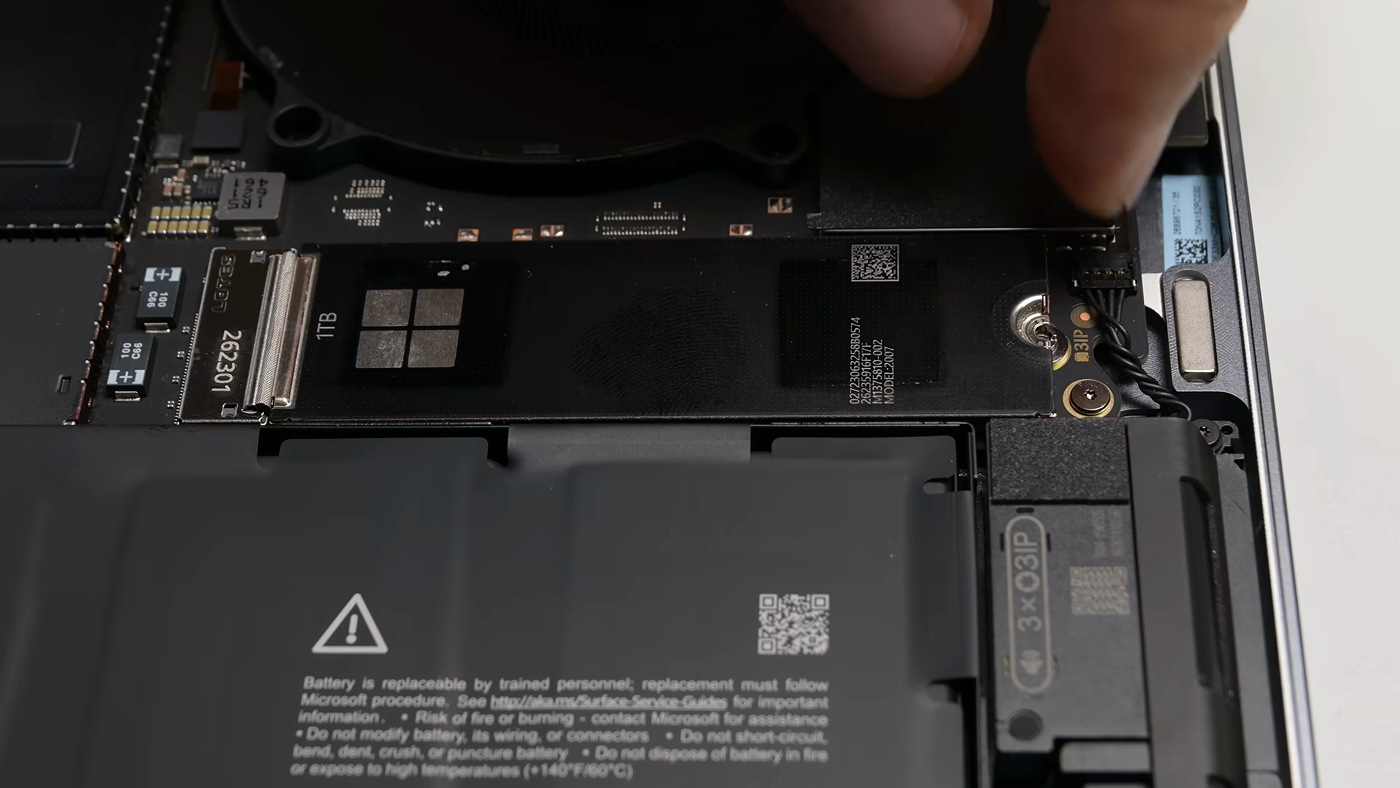 Image: iFixit via YouTube
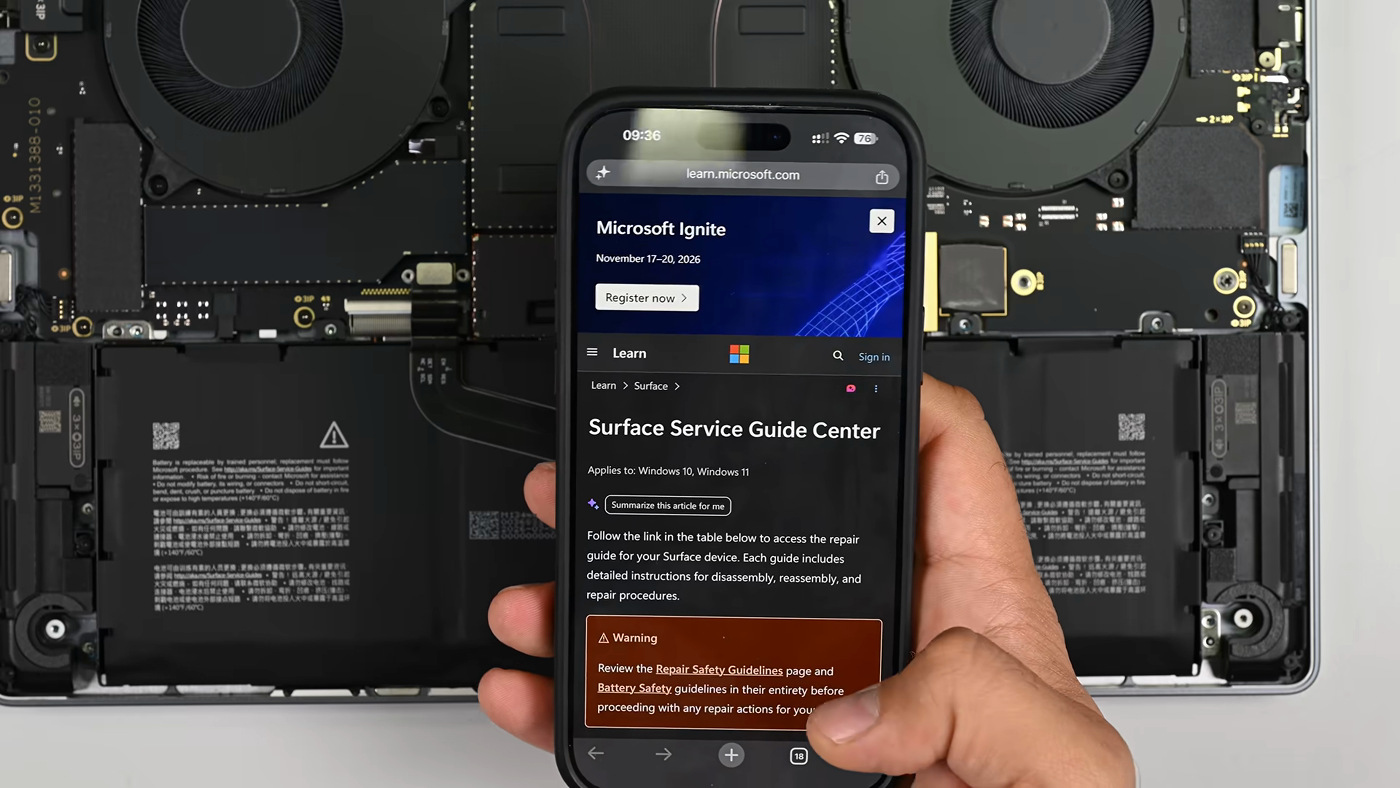
The battery itself tells you where to look. Its label reads that it is “replaceable by trained personnel; replacement must follow Microsoft procedure,” gives a short link to Microsoft’s Surface service guides, and prints a QR code beside the warning triangle. In iFixit’s teardown video, a phone held over the open laptop loads Microsoft’s Surface Service Guide Center, which opens with its own warning to read the battery safety guidelines first.
Getting that far is not hard. Four clip-on feet hide the screws that hold the bottom cover, the M.2 drive comes out after one screw, and the 92 Wh battery is held by screws rather than glue. A second printed code on the pack, “8 x 5IP,” tells a technician exactly how many screws to remove and which bit to use. Microsoft’s guide agrees: eight 5IP Torx Plus screws, then lift the battery out with both hands, holding it only by its tray.
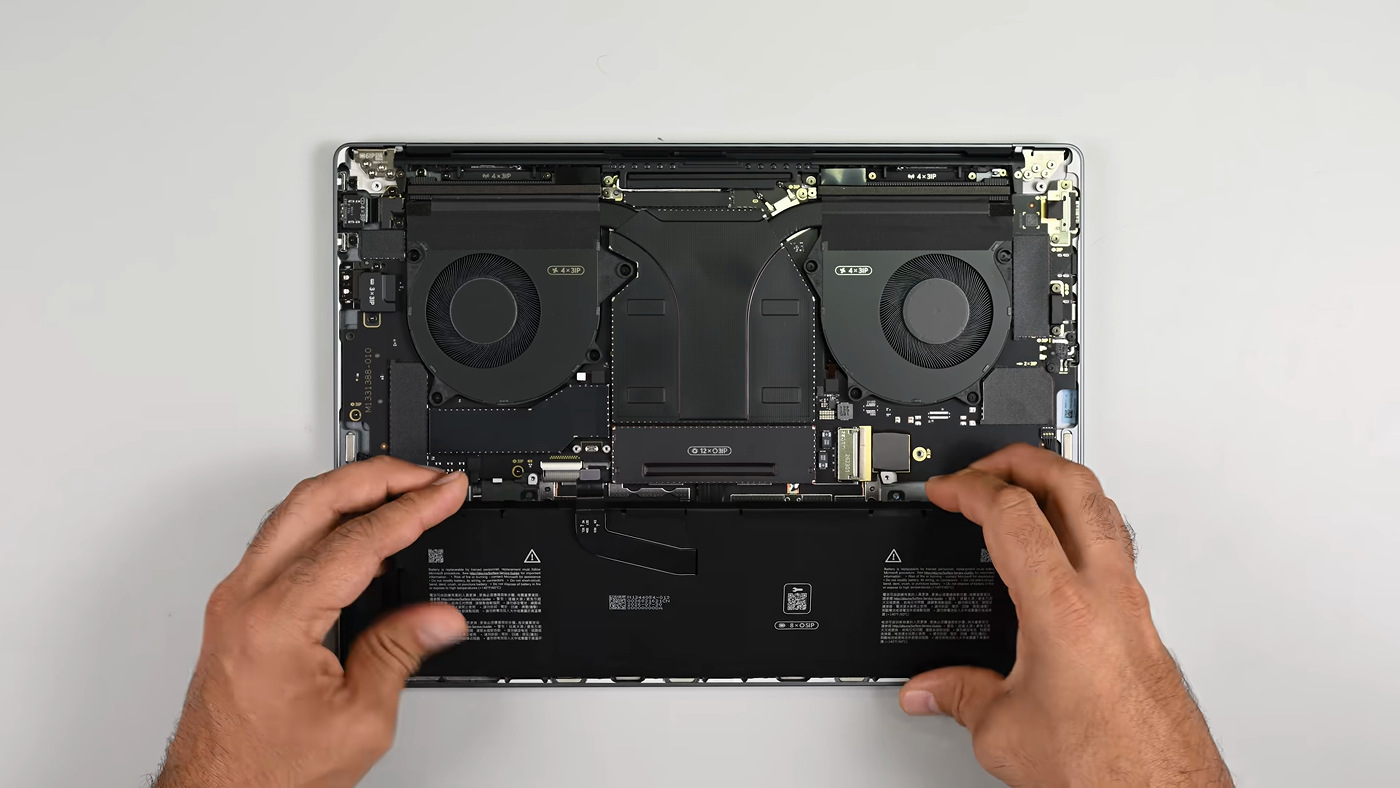 Image: iFixit via YouTube
The job does not end when the new pack is in. Microsoft tells technicians to charge the replacement to at least 50 percent, then run a Battery Repair (Validation) step in its Surface Repair Toolkit. That authentication needs a stable internet connection and the latest Surface Management Extension, the guide says, and if it keeps failing the next step is to contact Microsoft Support.
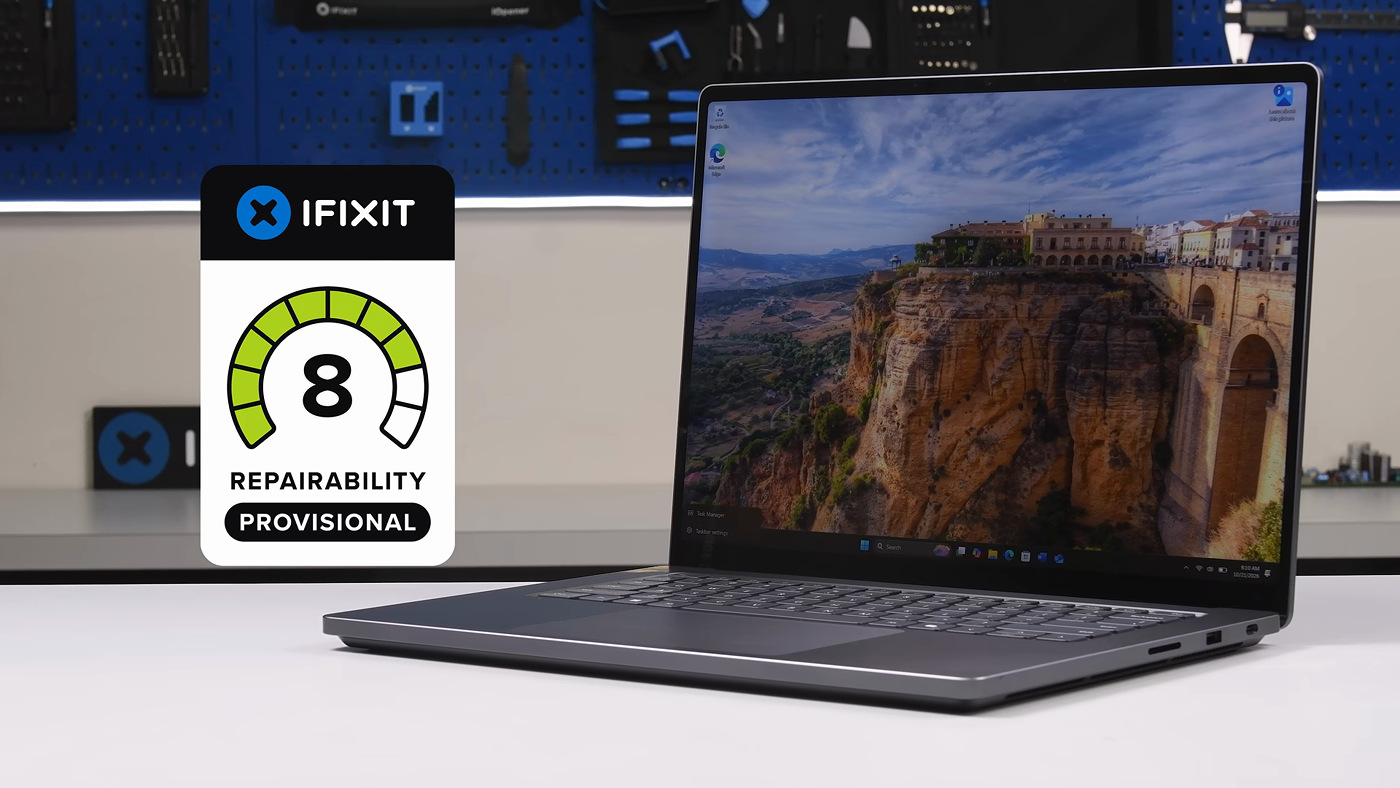 Image: iFixit via YouTube
iFixit, which notes in the video that it is one of the places Microsoft sells replacement parts through, gave the Surface Laptop Ultra a provisional 8 out of 10 for repairability. Notebookcheck pointed out that this is double the 4 out of 10 iFixit gave the M5 MacBook Pro. The trade-offs are real. The memory is soldered and cannot be upgraded, the other USB-C ports are soldered to the motherboard, and a new keyboard means replacing the whole top cover.
 Screenshot: @iFixit on X
The sand is a contingency, not a prediction. Microsoft is planning for the worst moment in a repair, when a lithium-ion pack is out of its frame and in someone’s hands. The same guide that makes the battery easy to reach also assumes the person reaching for it has a bucket of sand within arm’s length.