Did You Know
Did You Know: A Closed AirPods Pro 3 Case Can Steer a Mac Cursor, Until a 30-Minute Firmware Timer Runs Out
A free, open-source app called AirPointer reads the motion sensors of AirPods Pro left sitting in their shut case. Tilt the case to point, tap it to click, and after about half an hour the earbuds' own firmware ends the session.
NEW YORK · Maya Chen, Did You Know · Nov 12 2026
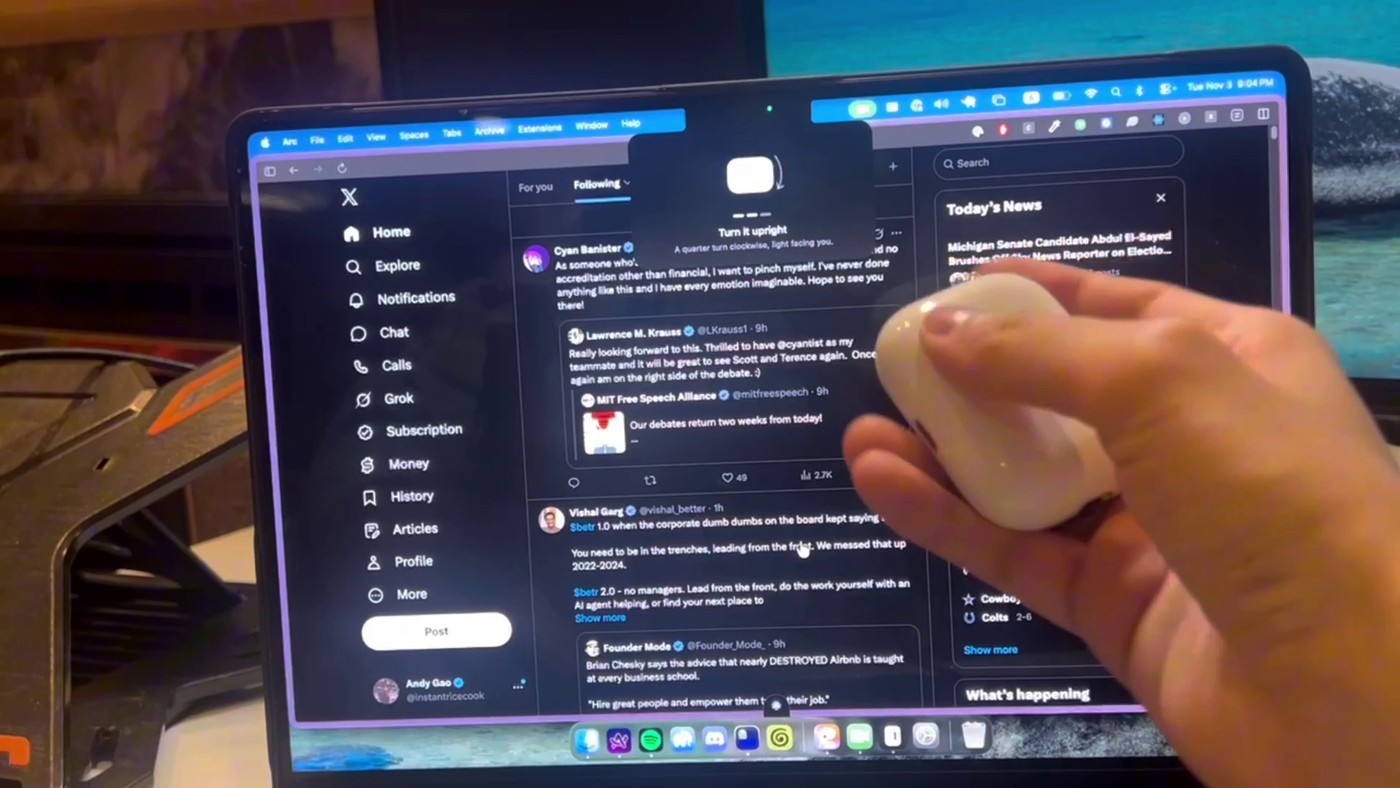
NEW YORK - Did you know that a pair of AirPods Pro can work as a Mac mouse without ever leaving its charging case? Developer Andy Gao posted a 34-second clip on Nov. 4 of a closed AirPods Pro 3 case standing upright in his hand, its every turn moving the cursor across a MacBook screen. “I turned my airpod case into a mouse and it works pretty well!” he wrote. By Thursday the post had passed 1.5 million views.
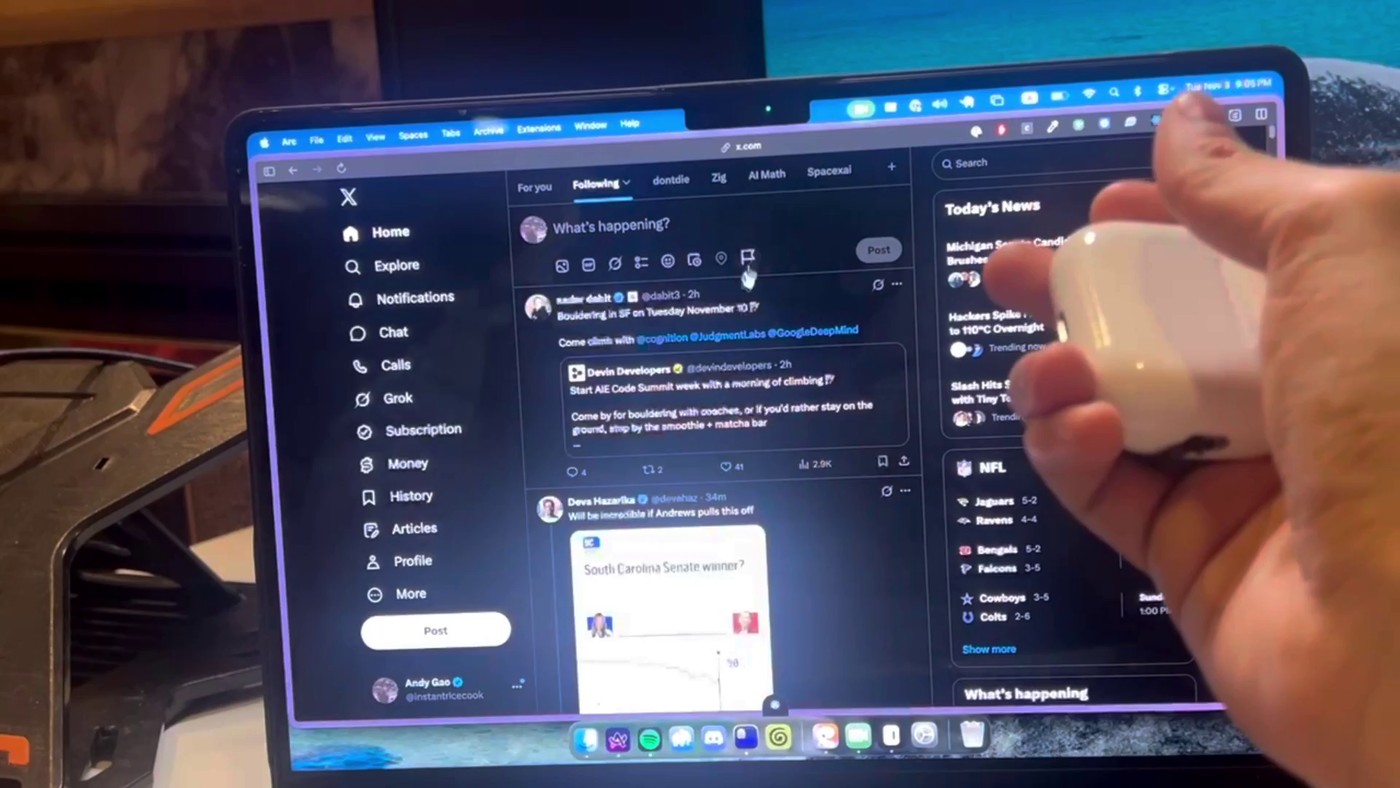 Image: Andy Gao via X
The trick is that the case is not doing the sensing. Apple’s spec sheet for the AirPods Pro 3 lists a motion-detecting accelerometer among the sensors in the earbuds, and Gao’s software keeps reading it while the buds sit docked behind the closed lid. Move the case and the buds inside move with it. Tap the front of the case and the sudden jolt registers as a click, with a short sound from the Mac to confirm it.
Two days later he published the code as AirPointer on GitHub under the MIT license. Setup takes four steps: add the app to the Mac’s Accessibility list so it can move the cursor, open and close the lid, set the case down and turn it upright, then point at three dots to show the app where the screen is and tap the case three times to teach it your touch. After that, pressing fn and Control in any app starts or pauses pointing.
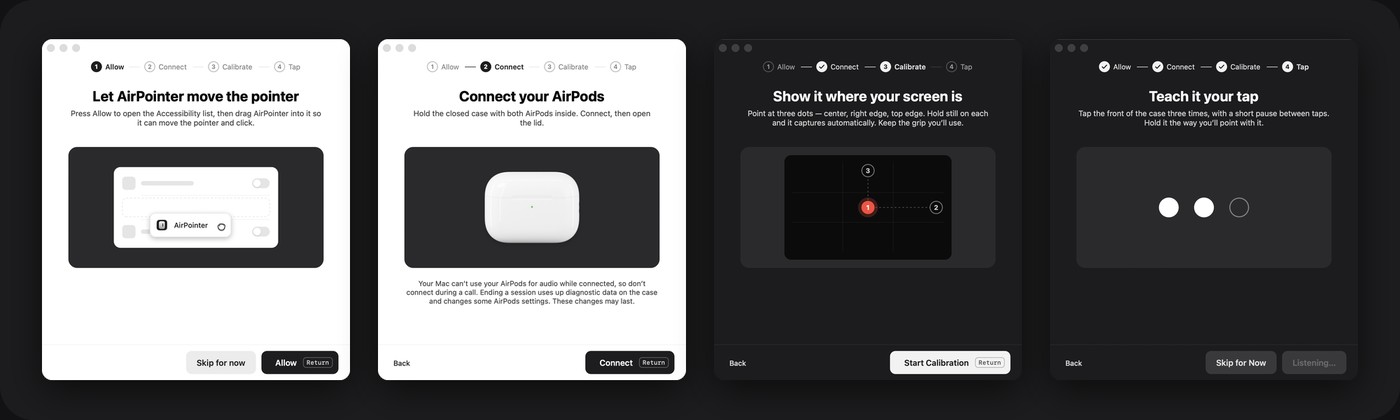 Image: AirPointer on GitHub
The README describes how it gets in. One helper program brings up the normal Bluetooth link, and a second reconnects the AirPods once, because the motion channel the project relies on only answers just after a connection. The helper then starts the sensors and sends paced requests to keep the closed case awake. The app sends a heartbeat every second, and if that stops, the helper shuts the sensors off.
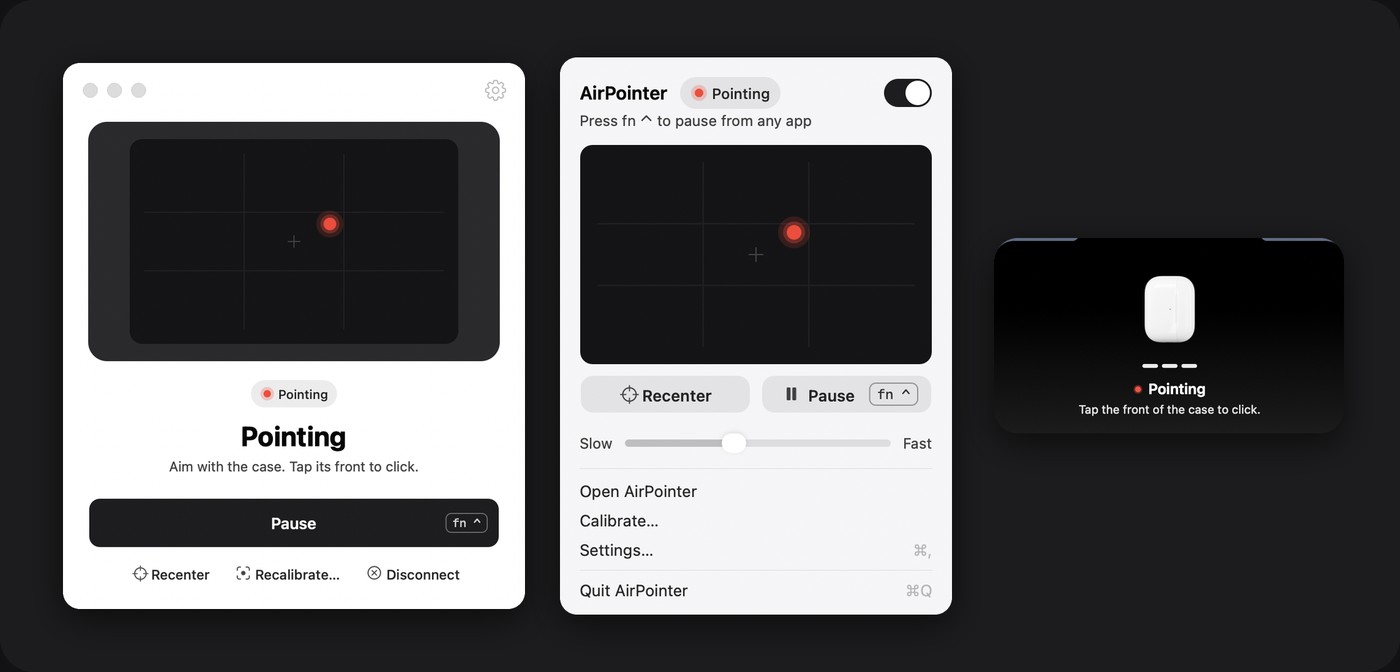 Image: AirPointer on GitHub
The most curious finding is a limit Gao did not write. On his test pair, every session ended about 30 minutes after the lid closed, and the AirPods stayed unreachable until the lid was opened again. Reading the AirPods Pro 3 firmware image, called rkof.bin (H2, version 9A348), he found a timer, numbered 0x63, loaded with a length of 1,800,000 milliseconds, which is exactly 30 minutes. It appears to start when the buds report being docked with the lid shut, and when it runs out, the firmware calls an assert that does not return. Measured sessions all stopped at about 1,805 seconds. The README is careful to say this rests on the firmware reading and those timings, and that no live capture has confirmed it yet.
The project is just as frank about its costs. It has been tested on one Apple Silicon Mac running macOS 26 with one pair of AirPods Pro 3; AirPods Pro 2 are recognized but untested, and you have to build the app yourself in Xcode. Each connection drops the AirPods’ audio for a moment, so the README says not to connect during a call. During a session the app plays silence to the buds to keep their link alive, moves Mac sound and the microphone off them, and enlarges a small cursor to twice its size using a private macOS call. Ending a session also uses up the diagnostic data stored on the case.
 Image: Andy Gao / Last Light
Asked on X why he built it, Gao replied that he “wanted to see if it was possible but also could be useful for presentations and games too (like a Wii remote).” He followed through with Last Light, a browser game in which you point, tap and shoot ducks before the sun goes down. It works with a regular mouse too, but the more fitting controller is already in your pocket, as long as you finish within 30 minutes.