Did You Know
Did You Know: Apple's First MacBook Pro Without a Backlight Brought Back the Glowing Logo, Using Four Tiny LEDs
OLED pixels make their own light, so nothing shines through the lid anymore. iFixit found a four-LED strip, a reflector and a diffuser behind the screen, and Apple's only documented off switch is a Terminal command.
SAN LUIS OBISPO, Calif. · Maya Chen, Did You Know · Nov 11 2026
SAN LUIS OBISPO, Calif. - Did you know that Apple brought the glowing logo back to the MacBook Pro on the first model that has no backlight to make it glow? On older MacBooks, light from the LCD backlight simply leaked through an apple-shaped window in the lid. The new MacBook Pro with PROLED XDR Display, which starts at $2,899 and began shipping Nov. 6, uses a tandem OLED panel whose pixels make their own light. So Apple had to build a separate lamp for the logo. “Apple waited until the first MacBook Pro without a backlight to bring back the backlit logo,” iFixit wrote in its teardown this week.
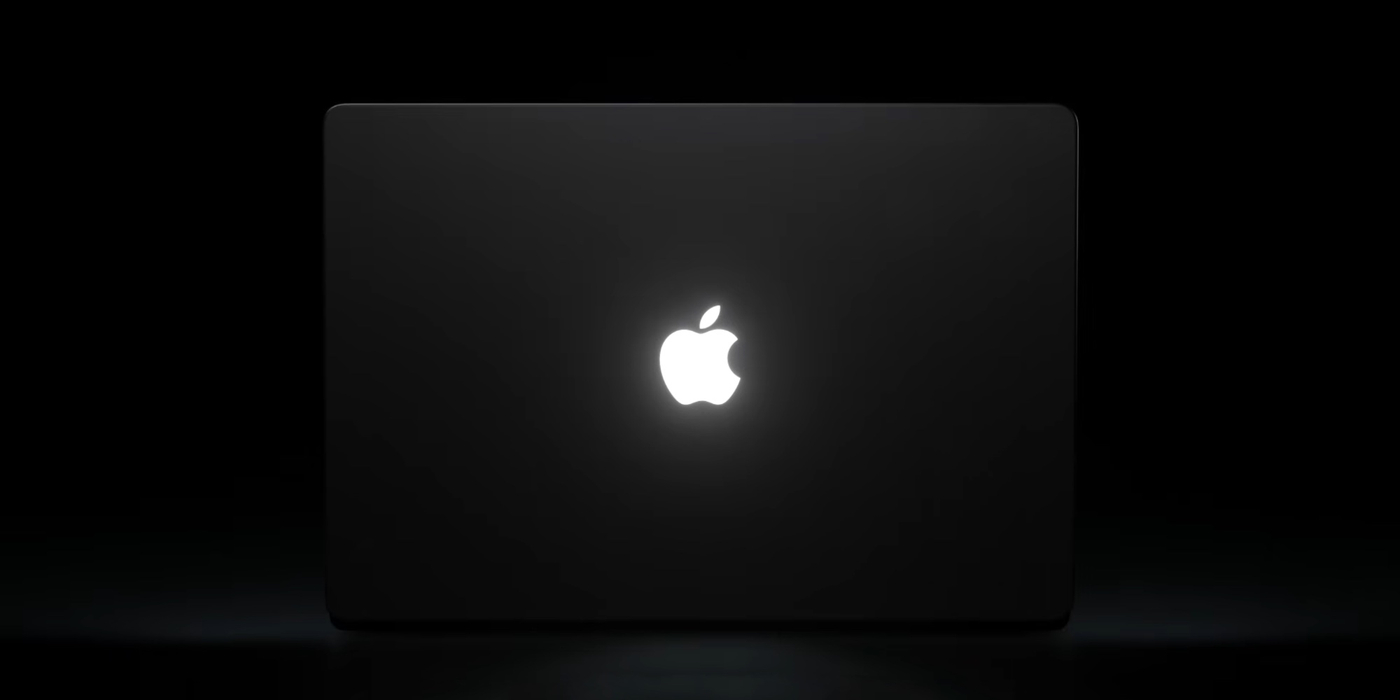 Image: 9to5Mac
The glowing apple first appeared on the PowerBook G3 in 1999, Macworld noted. Apple dropped it with the 12-inch MacBook in 2015 and from the MacBook Pro in 2016. When the new model was unveiled on Oct. 28, 9to5Mac called the logo the return of a beloved design feature.
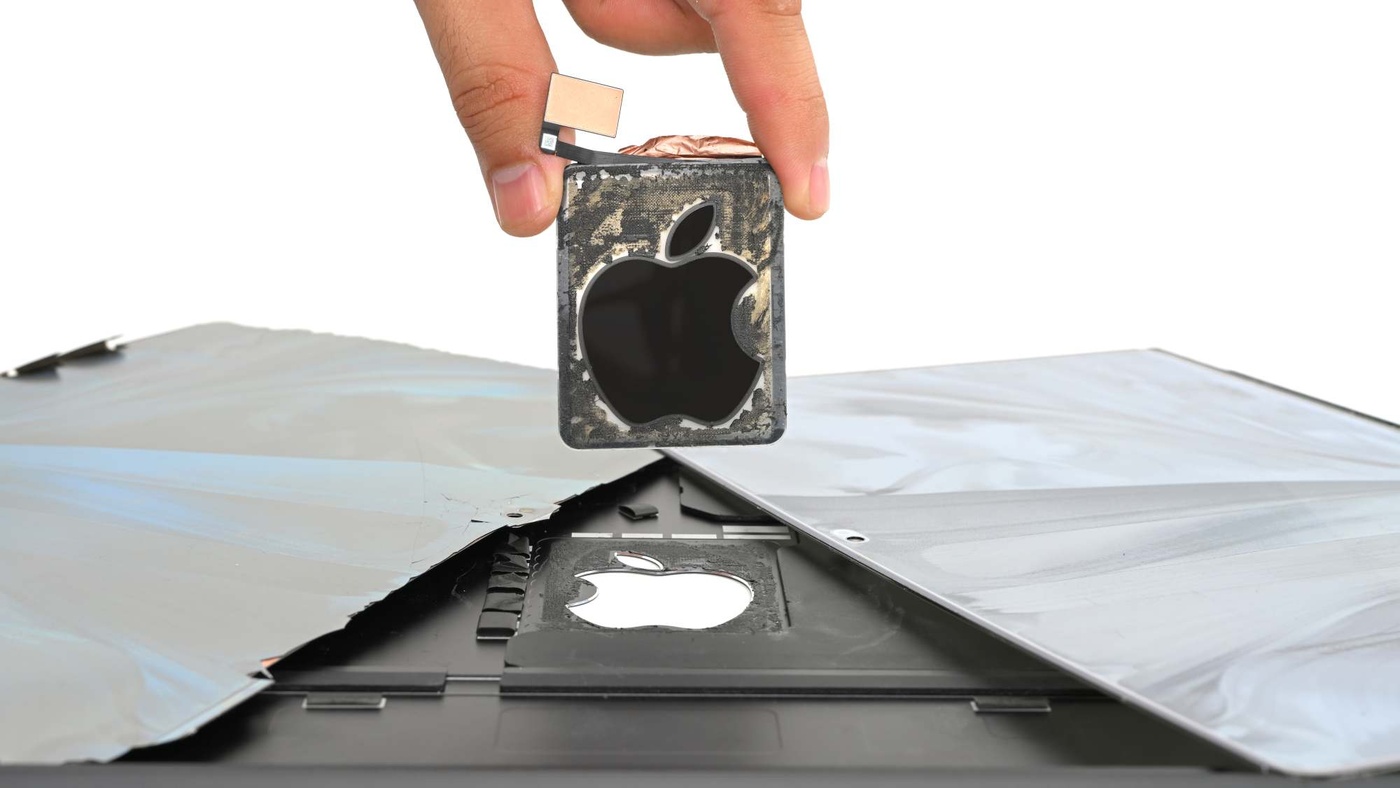
The light source turned out to be modest. Behind the display, iFixit’s team (Elizabeth Chamberlain with Carsten Frauenheim and Shahram Mokhtari) found two light, rigid foam pads flanking the logo. Under a taped patch in the middle of one sat a strip with four LEDs along one edge. Their light bounces off a reflective layer and passes through a diffuser, which turns four points of light into one evenly lit apple. The logo itself has a mirror-like coating, so it looks shiny when the lights are off, and Engadget reported that iFixit compared it to a two-way mirror.
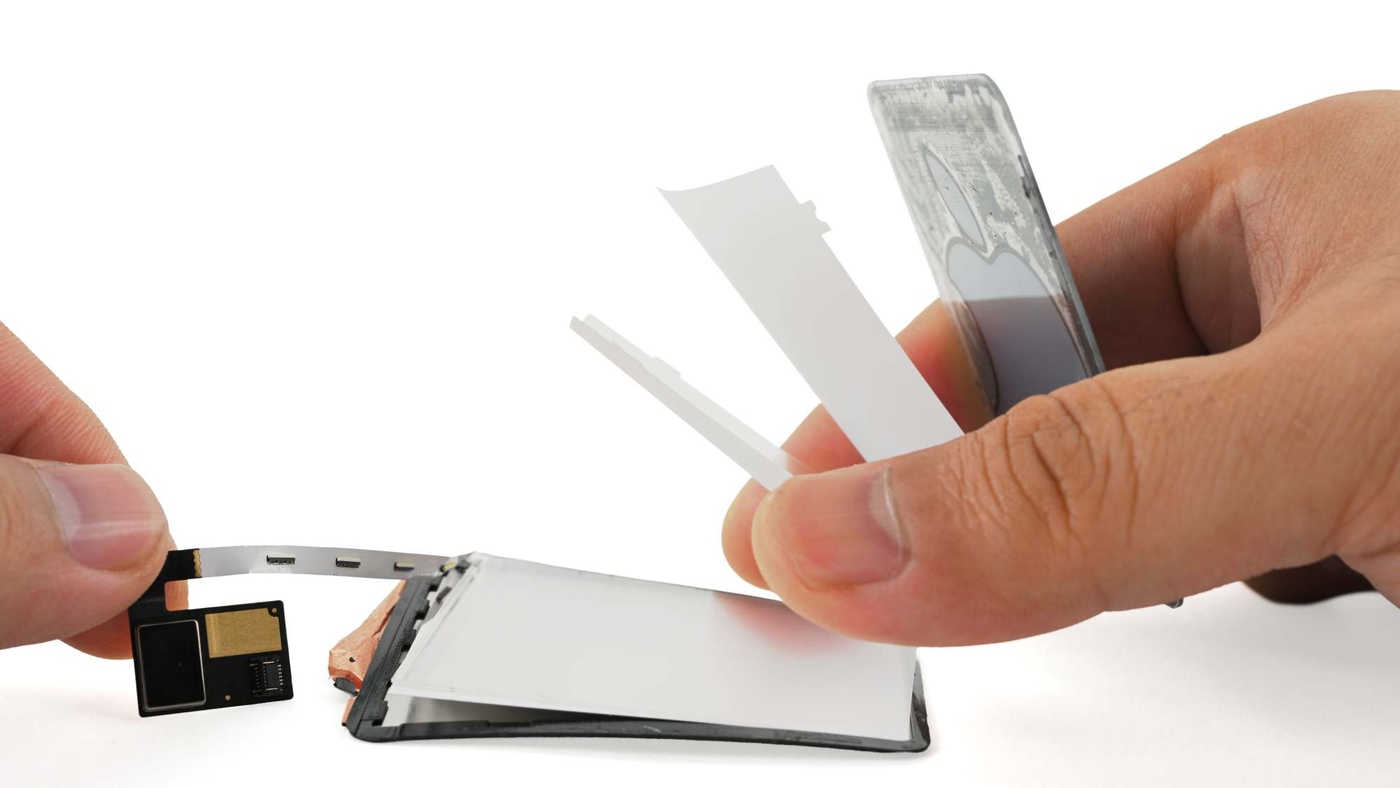 Image: iFixit
Getting there was expensive. iFixit warmed the lid from the back and worked a pick into a corner. The rubber trim lifted, then the glass delaminated, cracking the OLED and capacitive touch layers beneath it. “This is an insane repair path for reaching the glowing logo,” the team wrote. “If yours ever goes dark, you might see if you can live with a regular Apple.” They also opened a betting pool on how long it will take someone to swap in a color-changing strip.
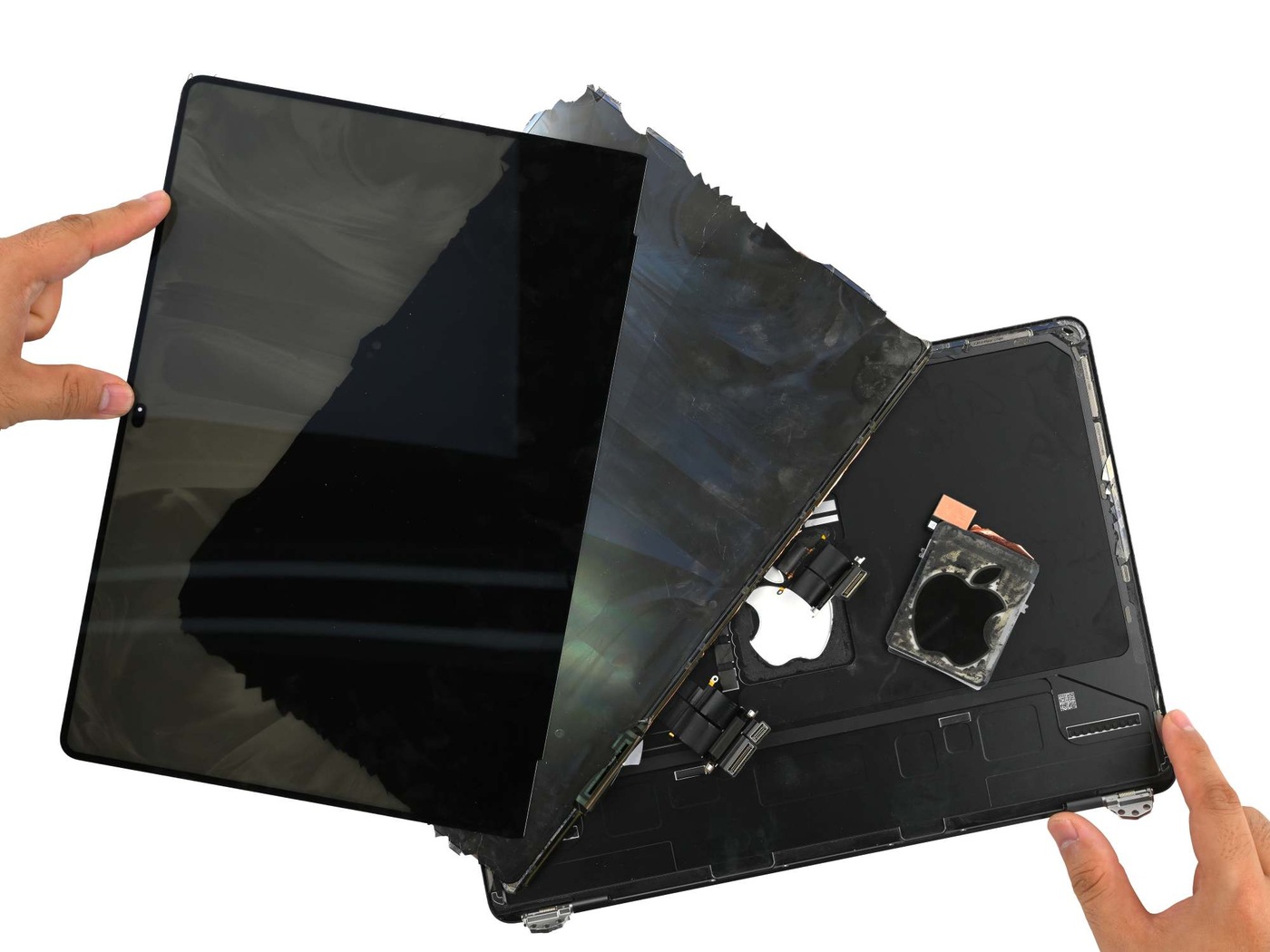 Image: iFixit
Apple, for its part, treats the glow as always on. A support note published Nov. 5 says the logo is lit whenever the Mac is awake and dims or brightens with the screen and the ambient light sensor. The way Apple documents to turn it off is a Terminal command, sudo defaults write com.apple.CoreBrightness LEBacklightMode -int 0, entered with an administrator password. The change applies to every user account, carries over when you migrate to a new Mac, and is undone by deleting that setting or by reinstalling macOS.
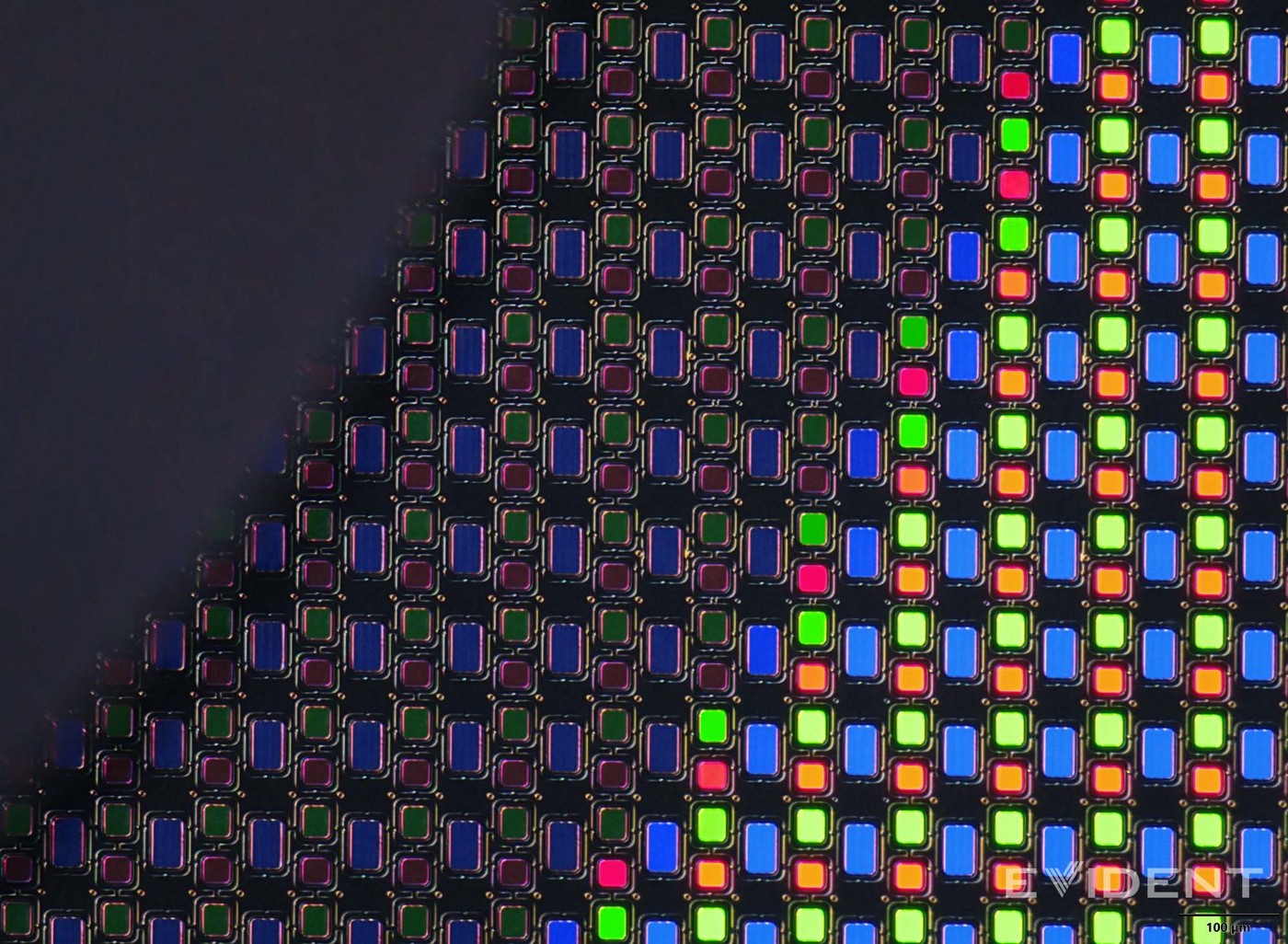 Image: iFixit
None of this made the laptop heavier. iFixit weighed the whole display assembly at 384 grams, down from 485 on the M6 MacBook Pro, even with the touchscreen and the logo lamp inside. The machine earned a 5 out of 10 for repairability, one point better than the M5 MacBook Pro. The logo is the least fixable part of it, and four small LEDs are all that make it glow.