Gadgets
Microsoft's Auto SR Upscaler Leaves Preview on the ROG Xbox Ally X and Now Works Off the Dock
Automatic Super Resolution now runs in handheld mode on battery, accepts 1080p games and gains a Performance Mode that targets up to 120 frames per second.
Redmond, Wash. · Noah Park, Gadgets · Nov 11 2026
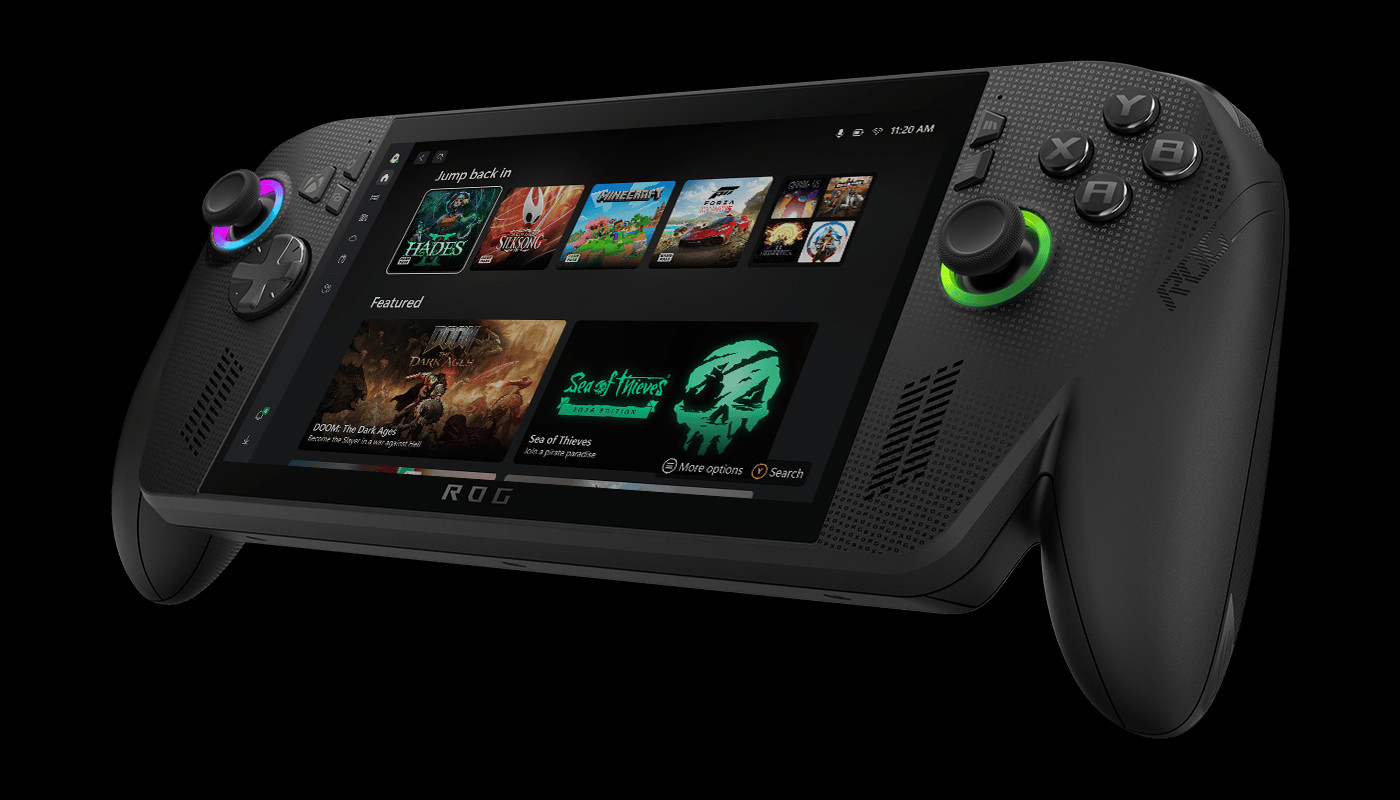
REDMOND, Wash. - Microsoft has taken Automatic Super Resolution, its upscaling feature for games, out of preview on the ROG Xbox Ally X and ROG Xbox Ally X20 handhelds. The company said in a DirectX developer blog post on Tuesday that Auto SR now works while the device is undocked and running on battery, a change it says came by popular demand.
Auto SR renders a game at a lower resolution and upscales the image, an approach that The Verge compares to Nvidia’s DLSS. During the Xbox Insider preview it worked only when the handheld was docked to a larger screen. Microsoft says that was where the feature made the biggest difference, but players wanted it on the built-in display as well.
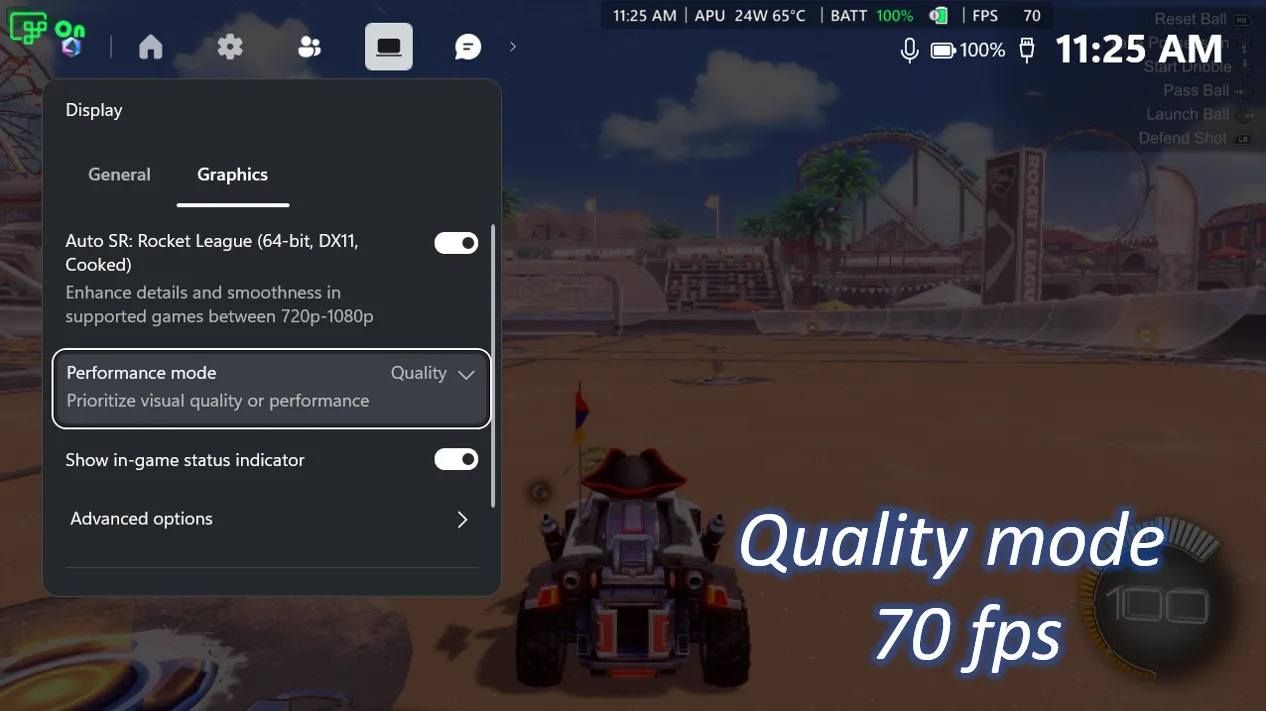 Image: Microsoft
The release also brings a new Performance Mode. Until now, Auto SR topped out at around 60 to 75 frames per second. Performance Mode raises the ceiling to up to 120. In Microsoft’s own example, Rocket League running at 720p on high settings on the ROG Xbox Ally X averaged 70 frames per second in Quality Mode and 115 in Performance Mode. Players can switch between the two in Game Bar while a game is running.
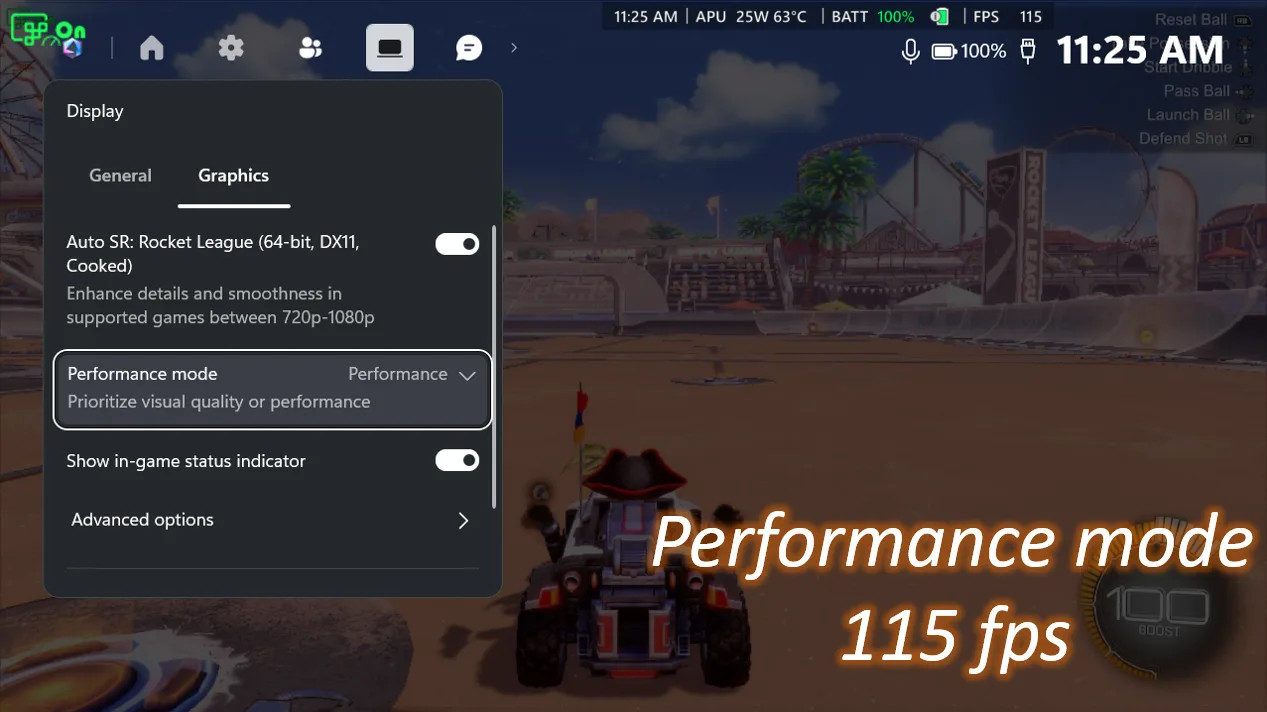 Image: Microsoft
Auto SR also now accepts games running at 1080p. Many handheld titles default to that resolution, and in the preview players had to lower it by hand before the feature would engage. Docked to a higher-resolution TV or monitor, Auto SR can upscale a 1080p game to as much as 1440p. Microsoft cautions that 1080p on the handheld’s own screen “may not be as optimal as other configurations,” though it says older games still look better. Auto SR and Auto HDR can now run together, so games without native HDR can get both on an HDR display.
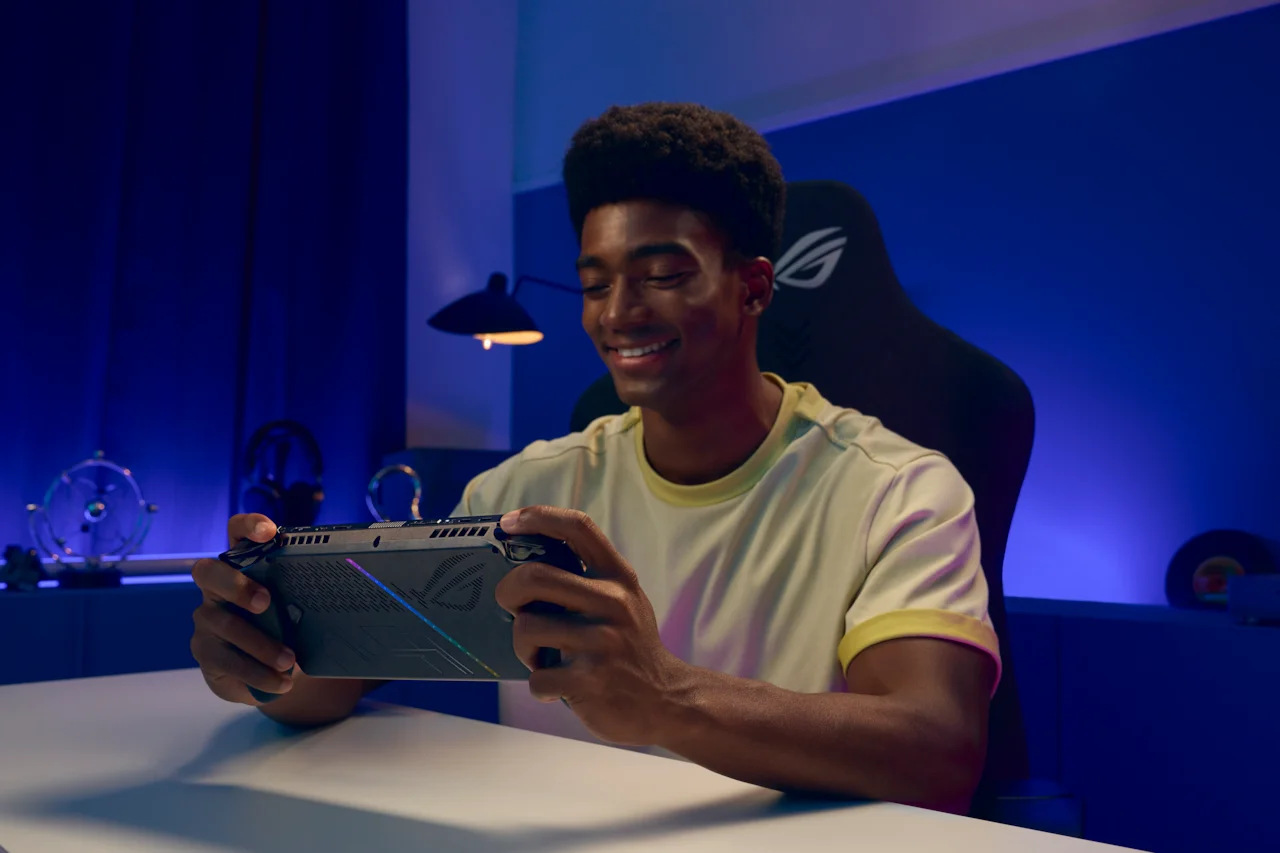 Image: ASUS
Not everything arrives at once. Handheld play, 1080p support and expansion to select Copilot+ PCs powered by AMD Ryzen are available now, according to Microsoft. Performance Mode and Auto HDR support will roll out through Windows updates and may take time to reach every device.
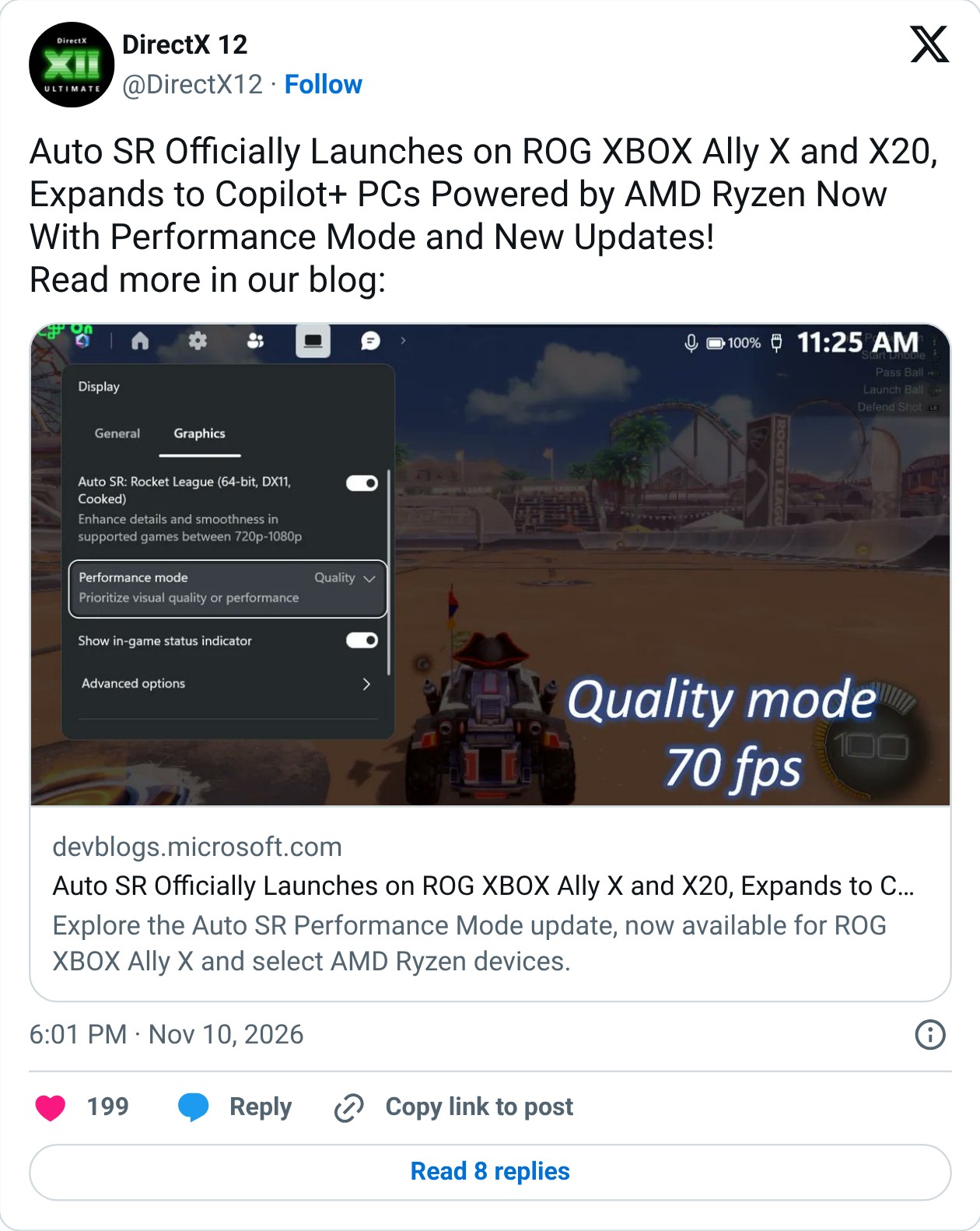 Screenshot: @DirectX12 on X
To turn it on, Microsoft says owners should update Game Bar and Windows 11, then download or update the Auto Super Resolution Package from the Microsoft Store. The setting sits in Game Bar under Widgets, Display and Graphics, where players pick Quality or Performance.