Gadgets
Google Brings Gemini Live to Apple CarPlay, So iPhone Drivers Can Talk Through Email, Meetings and Errands
The Gemini app is rolling out to CarPlay screens worldwide, with hands-free voice conversations that sync back to the iPhone once the car is parked.
Mountain View, Calif. · Maya Chen, Gadgets · Nov 11 2026
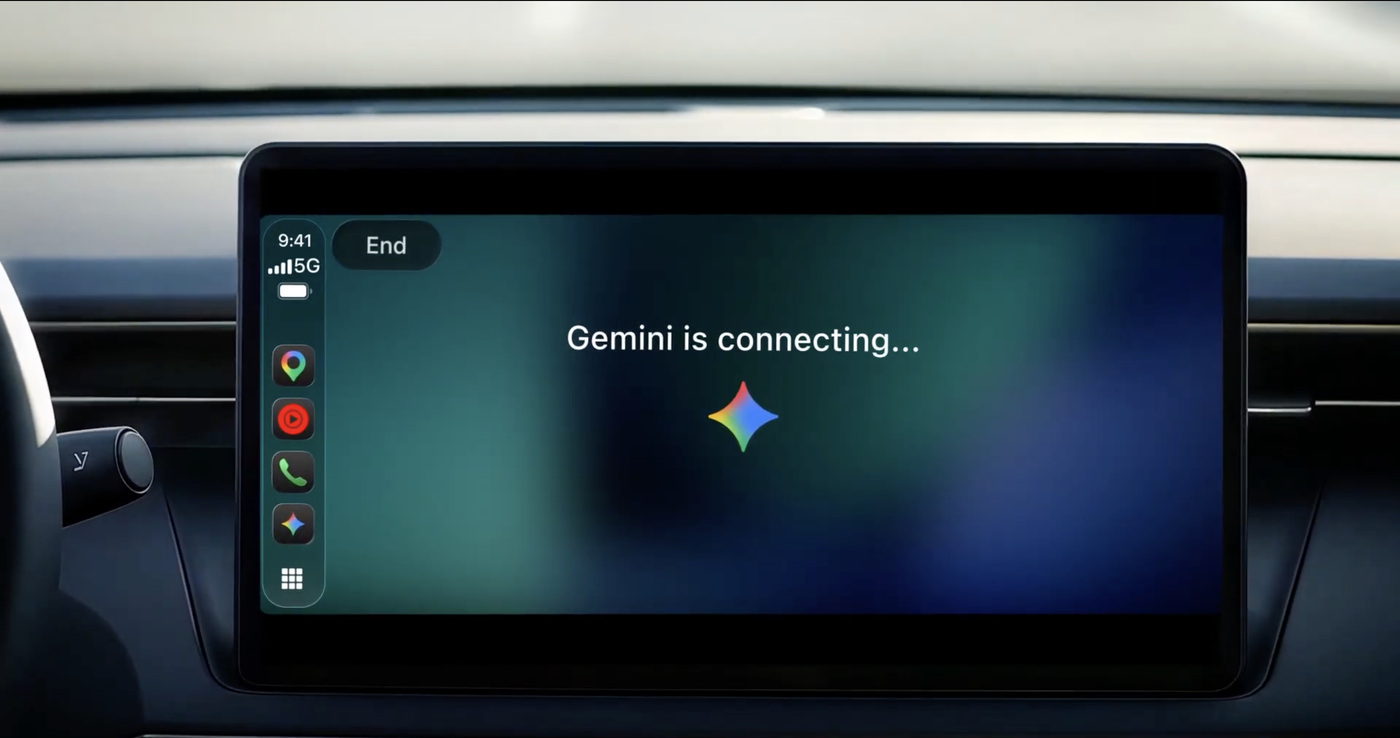
MOUNTAIN VIEW, Calif. - Google is putting its Gemini assistant on the dashboard of cars that run Apple CarPlay. In a blog post on Wednesday, the company said the Gemini app is rolling out to CarPlay globally, starting today, for all Gemini users on iOS and in every language that Gemini Live supports.
The CarPlay version follows the app’s arrival on Android Auto and in cars with Google built-in. It is built around Gemini Live, the voice mode that holds a back-and-forth conversation rather than answering one-off commands. Drivers tap the Gemini icon on the CarPlay screen or side rail, then pick up a recent chat or start a new one.
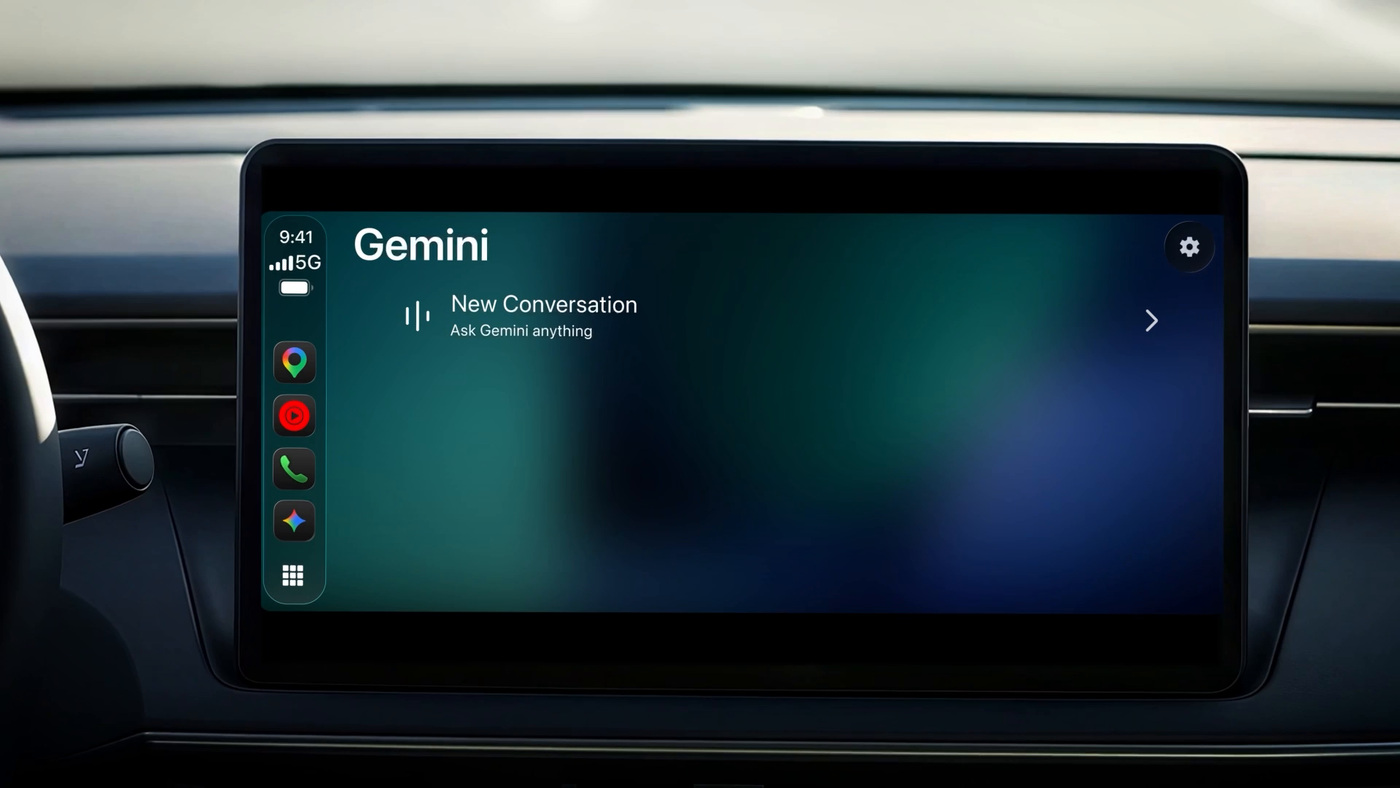 Image: Google
Google says it designed the app “to work like a conversational driving companion that minimizes distraction.” The screen shows a simple waveform that signals when Gemini is listening, thinking or responding, with End and Mute buttons in the top left corner. Drivers can cut into an answer to add a detail, change the subject, or pause when they need to concentrate on an exit.
The company is pitching the commute as found time. Google says the daily commute averages about an hour behind the wheel for millions of people, and its suggestions lean toward work: asking what the day looks like, preparing for a 10 a.m. meeting, catching up on unread email, getting a summary of a long thread and talking through a reply. Because Gemini connects to Google Workspace apps such as Gmail and Google Calendar, it can also read out a daily brief. Other examples include finding a quick lunch spot near a destination, hearing the backstory of a local landmark, and rehearsing a presentation out loud.
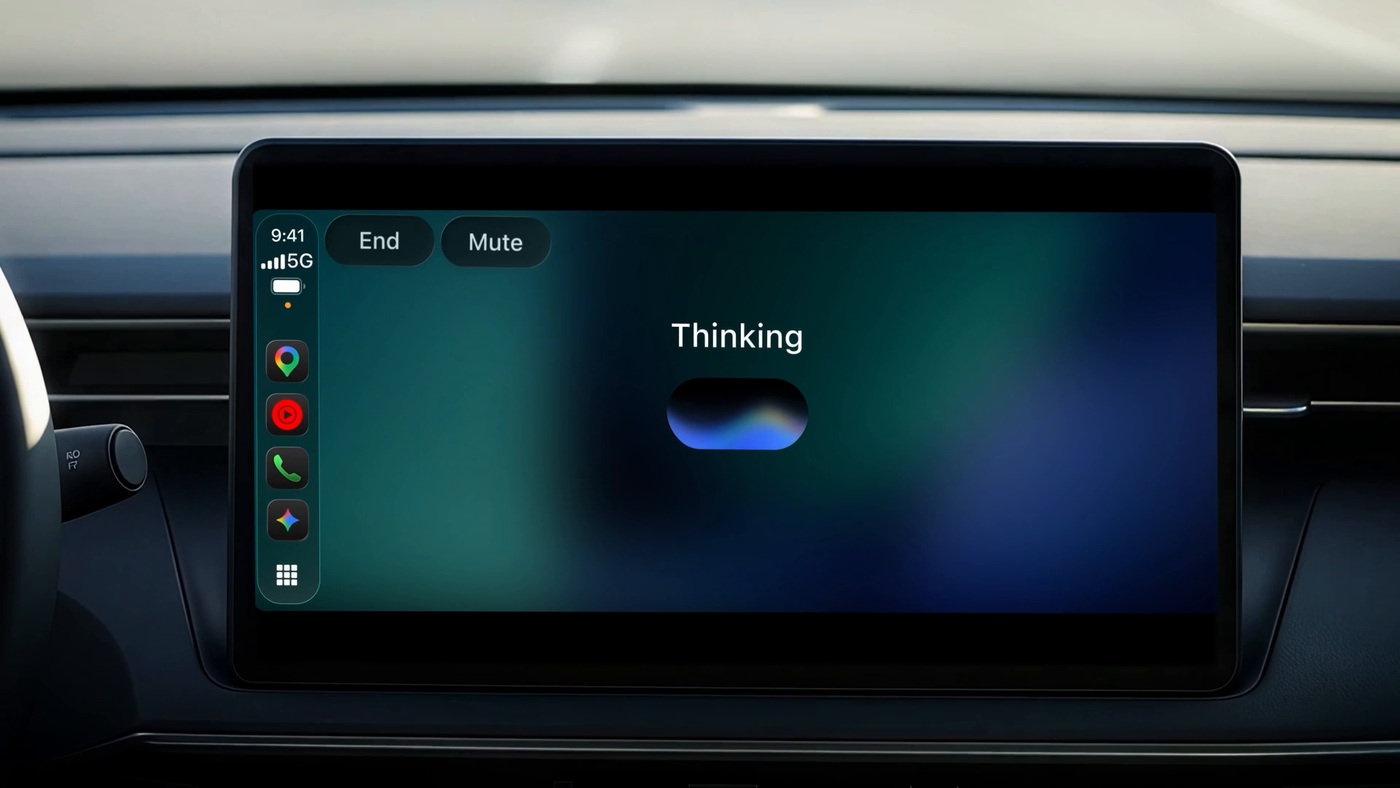 Image: Google
Conversations held in the car sync automatically with the Gemini app on the iPhone, so summaries and notes are waiting in the chat history after the driver parks, Google said. 9to5Google reported the same rollout details.
To use it, iPhone owners need the latest version of the Gemini app, microphone permission turned on, and at least one earlier session of Gemini Live on the phone. The next time the phone connects to the car, the Gemini icon appears on the CarPlay display.
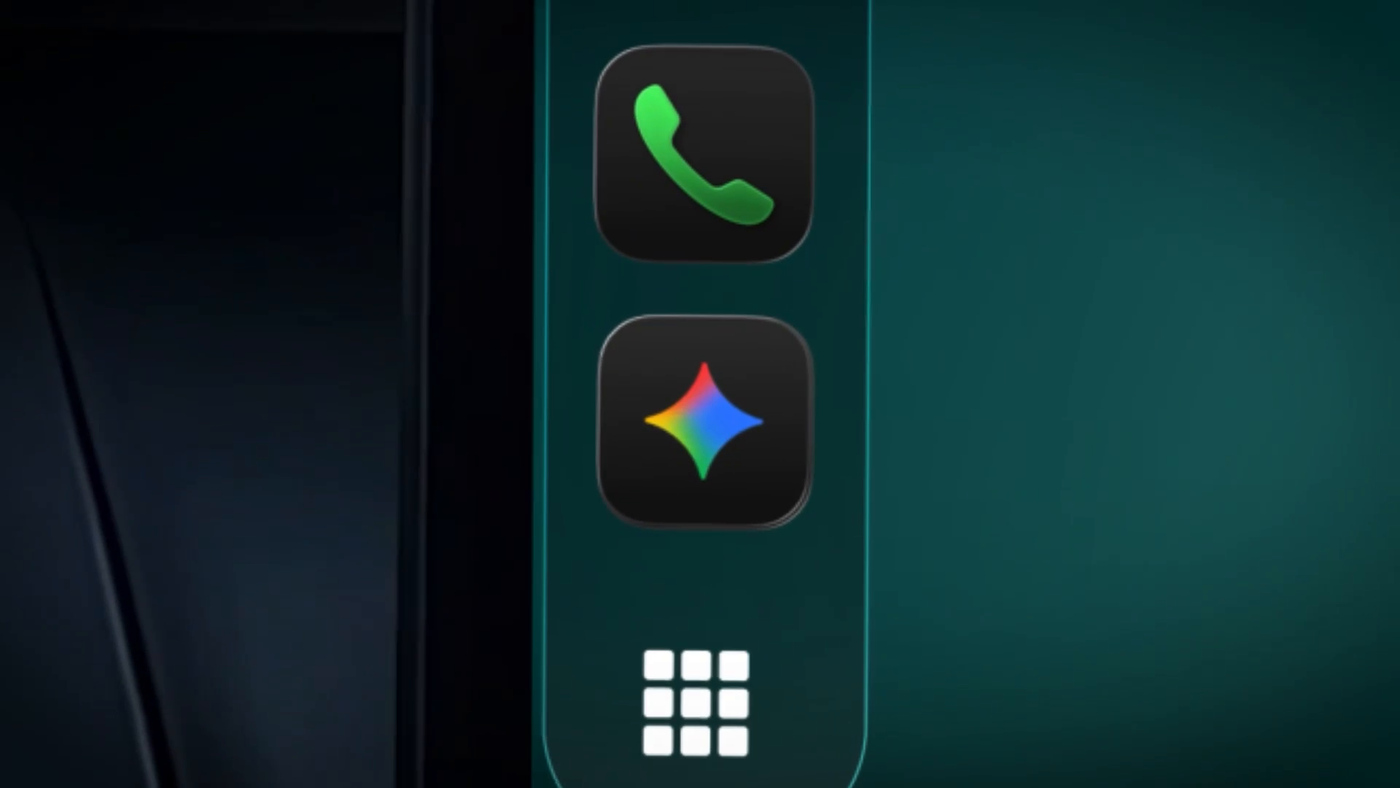 Image: Google